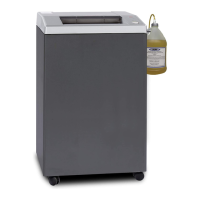
SEM Model 0205 EMD E-Media Destroyer
11
508.366.1488 | www.semshred.com
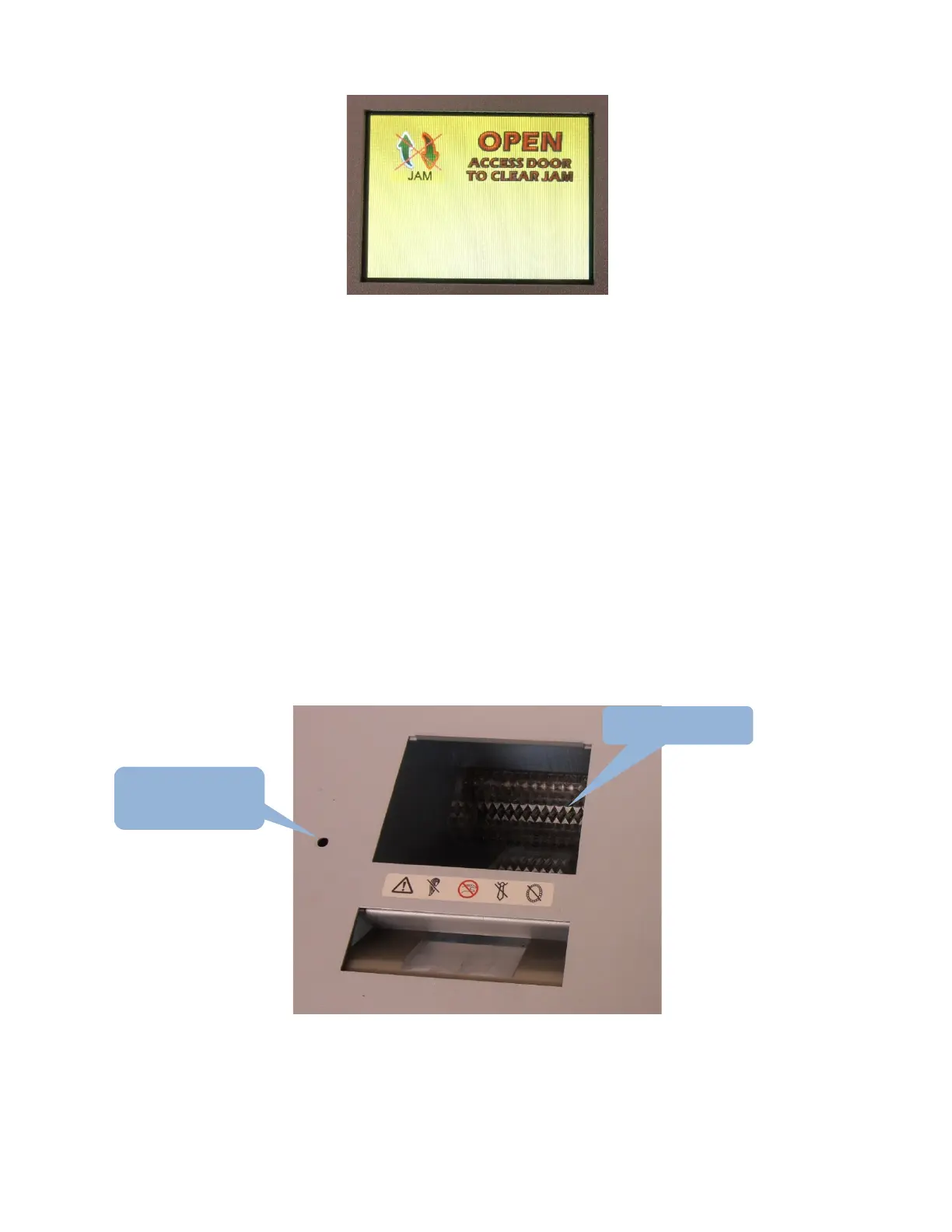
The unit will show the JAM icon telling the user that the unit remains jammed. The OPEN ACCESS DOOR TO CLEAR
JAM icon is displayed instructing the user to open the unjam access door and remove any media from the unit.
The unjam door screw will need to be removed to allow the unjam door to open. Use a 5/32” Allen wrench to
remove it.
The unit is equipped with safety sensors to disallow operation while the unjam door is open. However, it is still
strongly advised to DE-ENERGIZE THE UNIT BY UNPLUGGING THE POWER CORD.
After removing power from the unit:
• Reach into the cutting head with a pair of pliers and manually pull out the jammed material.
• NEVER REACH INTO THE UNIT USING ONLY YOUR HAND.
• NEVER PLACE YOUR HAND NEAR THE CUTTING HEAD.
• Close the unjam door and replace the screw. This screw MUST remain in place while the unit is operational.
It is a safety guard.
CAUTION: partially shredded material may be sharp. SEM recommends cut resistant gloves.


 To Next Page