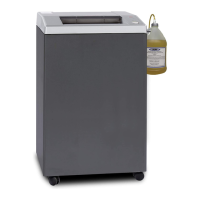
OPERATION KEYS AND DISPLAY
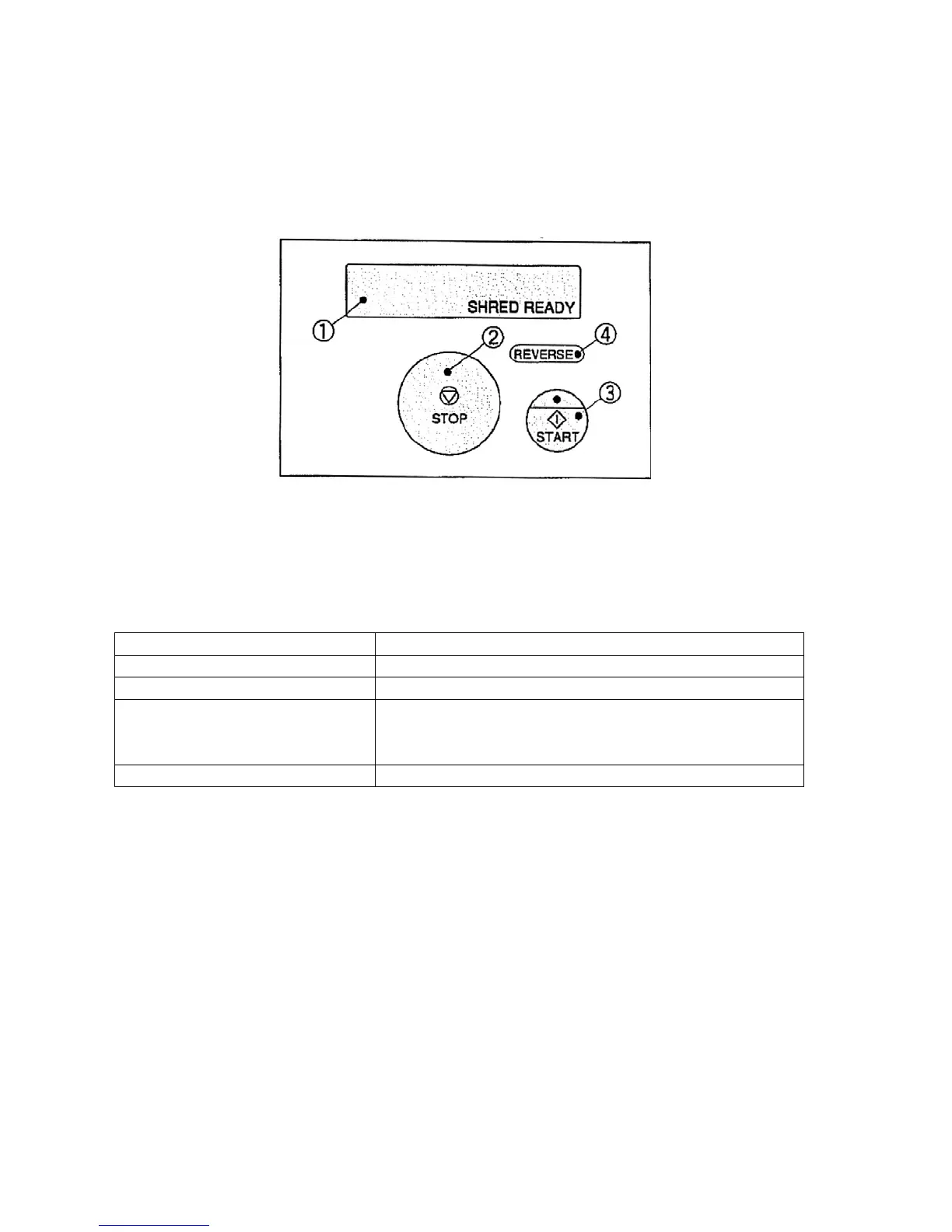
Shredder Main Body
NAME FUNCTION
(1) Liquid Crystal Display Current status is displayed
(2) STOP key Stops shredding and paper feeding
(3) START key (shredder) Pressing the upper side of this key after turning on the
breaker or during power saving mode makes shredder
ready for operation
(4) REVERSE key Cutting block runs in reverse while this key is pressed
For NATIONWIDE SERVICE call 1(800)225-9293
9
A'·
\¥I,,~.~
STOP
~
3
I •
START
https://www.supplychimp.com


 To Next Page