EasyManua.ls Logo

Semacon S-1125 - User Manual

Default Icon
16 pages
Print Icon
To Next Page IconTo Next Page
Loading...
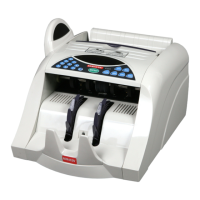
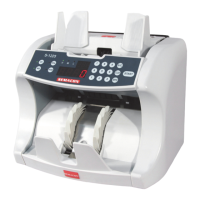
S-1100 Series Currency Counter
Operating Manual
Models S-1100, S-1115 and S-1125
Question and Answer IconNeed help?

Do you have a question about the Semacon S-1125 and is the answer not in the manual?

Summary

Control Panel Functions

Restart Button Function

Starts or restarts the counting process.

Clear Button Function

Clears the counting number display and resets the process.

Placing Banknotes In The Hopper

Operating Instructions Overview

Operating Instructions - Counting Modes

Counterfeit Detection Modes

UV Counterfeit Detection

Details the UV detection feature, sensitivity, and operation.

MG Counterfeit Detection

Details the MG detection feature, sensitivity, and operation.

Clearing A Jam

Cleaning & Maintenance

Feeding Adjustment

Adjusting Feed Wheel Tension

Details how to adjust the hopper knob for smooth feeding.

Malfunction Code List

Error Code List

Technical Specifications

Semacon S-1125 Specifications

General IconGeneral
BrandSemacon
ModelS-1125
CategoryCash Counter
LanguageEnglish

Related product manuals