Need help?
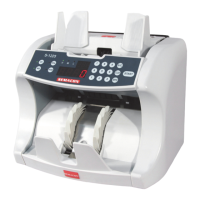
Do you have a question about the Semacon S-1225 and is the answer not in the manual?
Starts counting, restarts after stop/error, and is used for manual feed mode.
Turns Ultraviolet (UV) counterfeit detection on or off, scrutinizing banknote paper.
Turns Magnetic (MG) counterfeit detection on/off, scrutinizing ink (S-1225 only).
Details placing banknotes, auto-start counting, removing counted bills, and adding to previous totals.
 General
| Brand | Semacon |
|---|---|
| Model | S-1225 |
| Category | Cash Counter |
| Language | English |


 To Next Page