Need help?
Do you have a question about the Semacon S-140 and is the answer not in the manual?
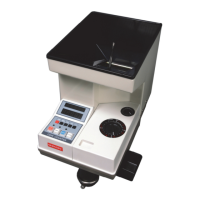
Details on how to count coins in the standard mode, including starting and stopping the machine.
Instructions for using the batch counting feature to stop after a set number of coins.
How to use the Add mode to continuously accumulate coin counts to a previous total.
Procedure for storing and displaying subtotals and the grand total of counted coins.
Guidance on counting mixed coins by processing largest diameter coins first.
 General
| Hopper Capacity | 200 notes |
|---|---|
| Stacker Capacity | 200 notes |
| Display | LCD |
| Batching | Yes |
| Add Function | Yes |
| Counterfeit Detection | UV, MG |
| Error Detection | Double Note Detection, Chain Note Detection, Half Note Detection |


 To Next Page