TS8000x Programming Guide www.semtech.com 5 of 16
Rev 0.9 Sep 2016 Semtech
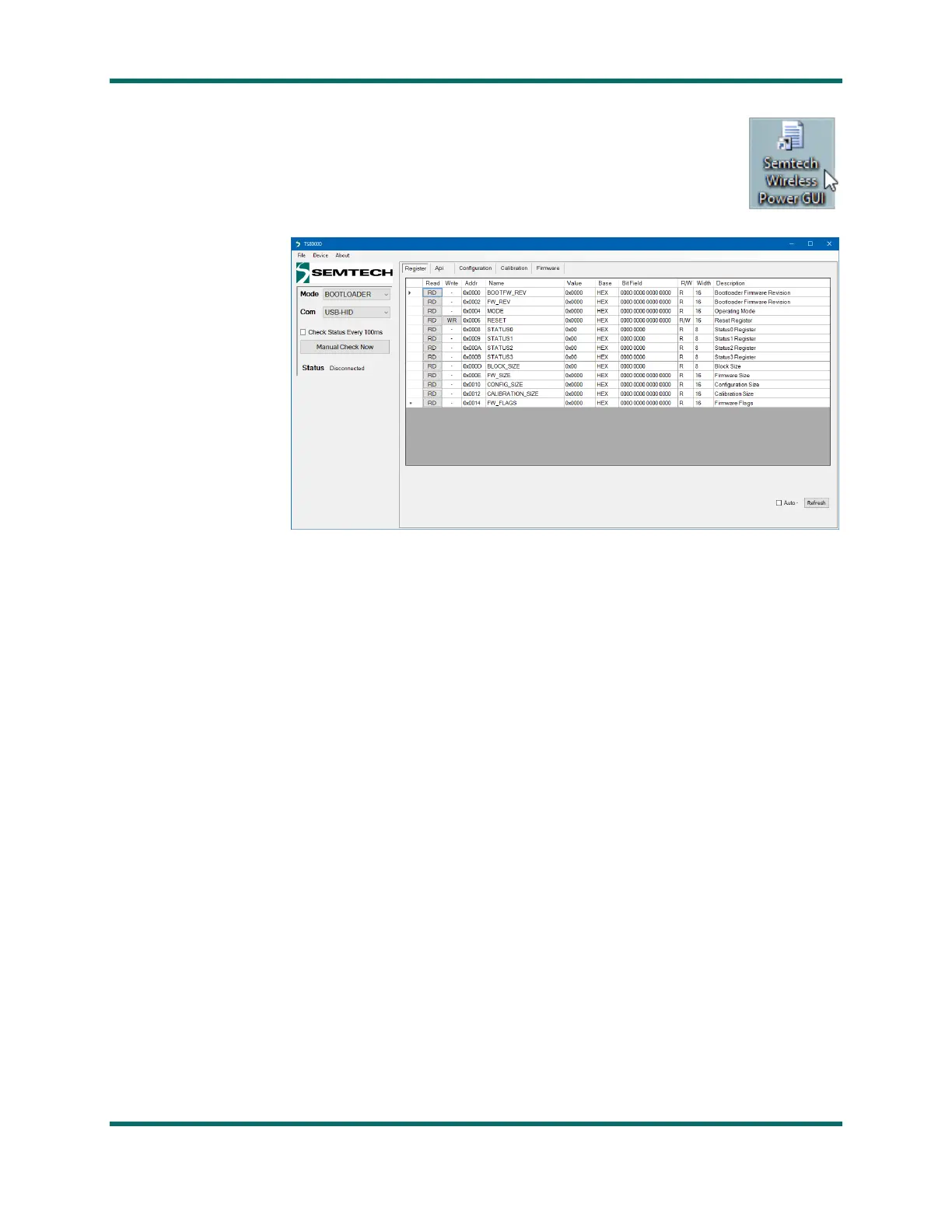
12. A new icon should now be present on your desktop: Semtech Wireless Power GUI.
- Double-click the icon to launch the program.
- If the program indicates a missing XML file, accept the option to auto-create a new one.
13. The GUI should
open to the screen
shown here:
If a window similar
to this has opened
on your screen, the
software setup was
successful.
14. Close the
program (by clicking
on the X in the
upper right corner of
the window).
Software setup should only need to be performed once on a given PC, but if required can be reinstalled
by repeating the above procedure.



 To Next Page