③
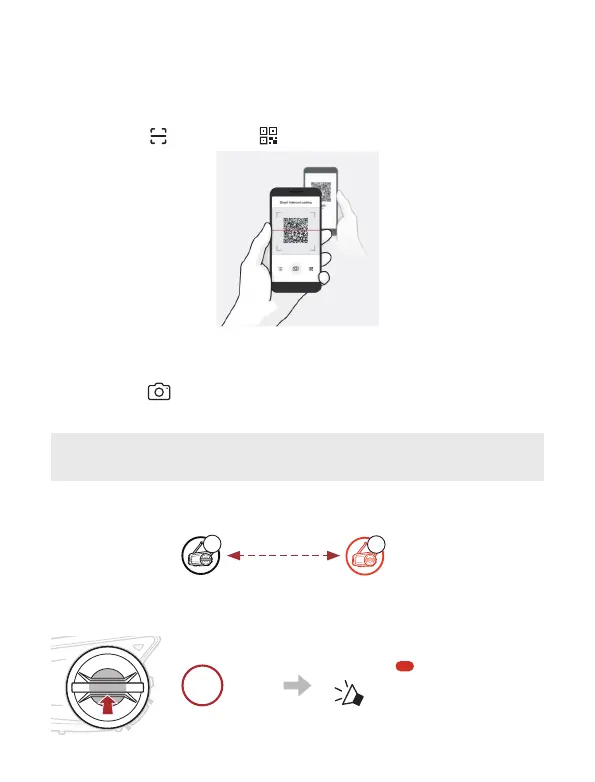
Scan the QR code displayed on your friend (B)’s mobile phone.
• Your friend (B) can display the QR code on the mobile phone by
tapping
> QR code ( ) on the SENA MOTORCYCLES App.
④
Tap Save and check that your friend (B) is paired with you (A)
correctly.
⑤
Tap Scan (
) and repeat steps 3-4 to pair with Intercom Friends
(C) and (D).
Note: The Smart Intercom Pairing (SIP) is not compatible with
Sena products that use Bluetooth 3.0 or below.
Using the Button
A
B
YOU
①
The users (You, B) enter into Intercom Pairing.
5s
HOLD
Blinking
“ Intercom pairing”



 To Next Page