28
MENU
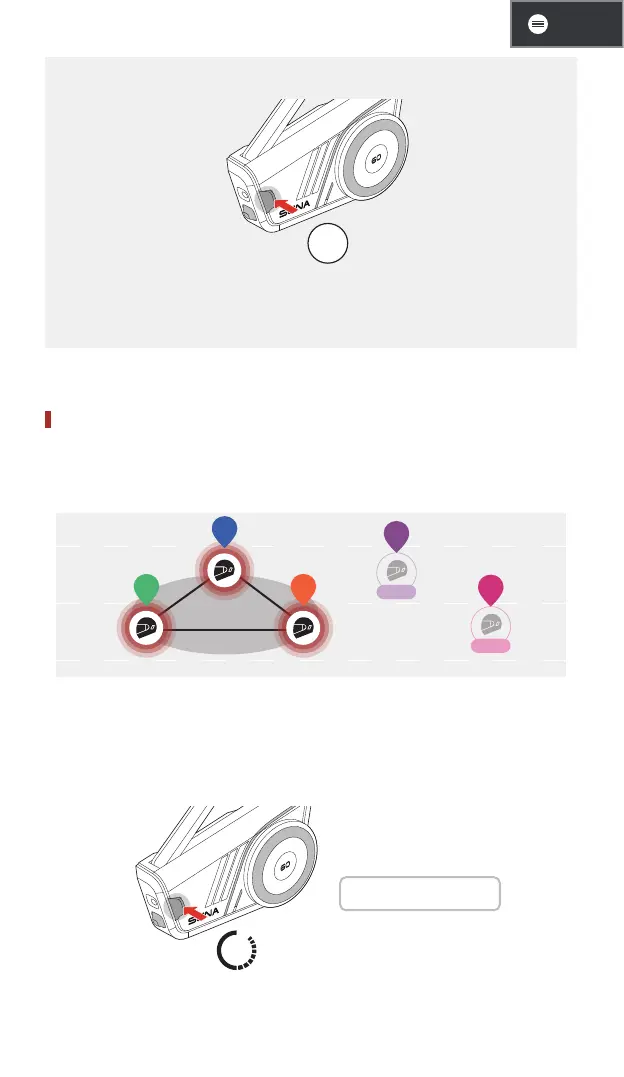
• If you want to cancel mesh grouping, tap the Mesh Intercom button.
1x
• If the mesh grouping is not successfully completed within
30 seconds, users will hear a voice prompt saying, “Grouping
failed.”
Join an Existing Group Mesh
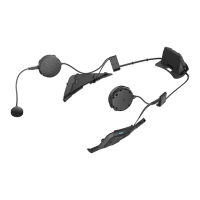
While you are in a group mesh, you can invite other users in open
mesh to join the group.
Group
CH 3
CH 5
YOU
B
A
D
C
You are already in group mesh with A and B, and the other users,
C and D, are in open mesh.
1.
You and the other users, C and D, enter mesh grouping by
pressing the Mesh Intercom button for 5 seconds.
5s
1 "Mesh grouping"


 To Next Page