16
Note: If the configuration of the PS110 through the serial console is required, connect the serial cable
to the serial port of user’s computer first. And push the Data/Console switch to the Console side. And
also please set the position of DIP switch for serial mode to RS-232 mode. Configuration of the PS110
is discussed on Section 2.2.5. Using The System Console.
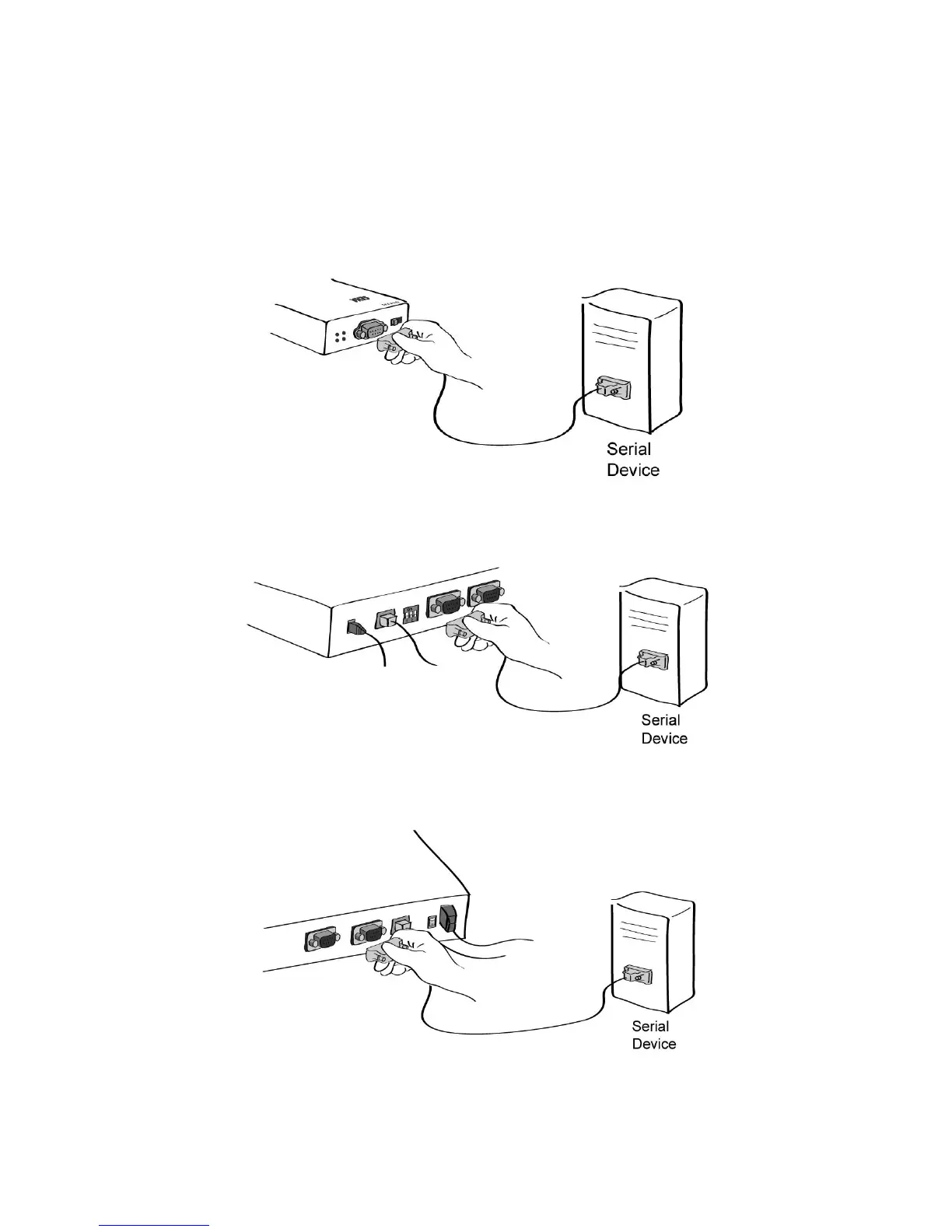
Figure 2-7 Connecting a equipment to the PS110
Figure 2-8 Connecting a equipment to the PS410
Figure 2-9 Connecting a equipment to PS810(Right)



 To Next Page