15
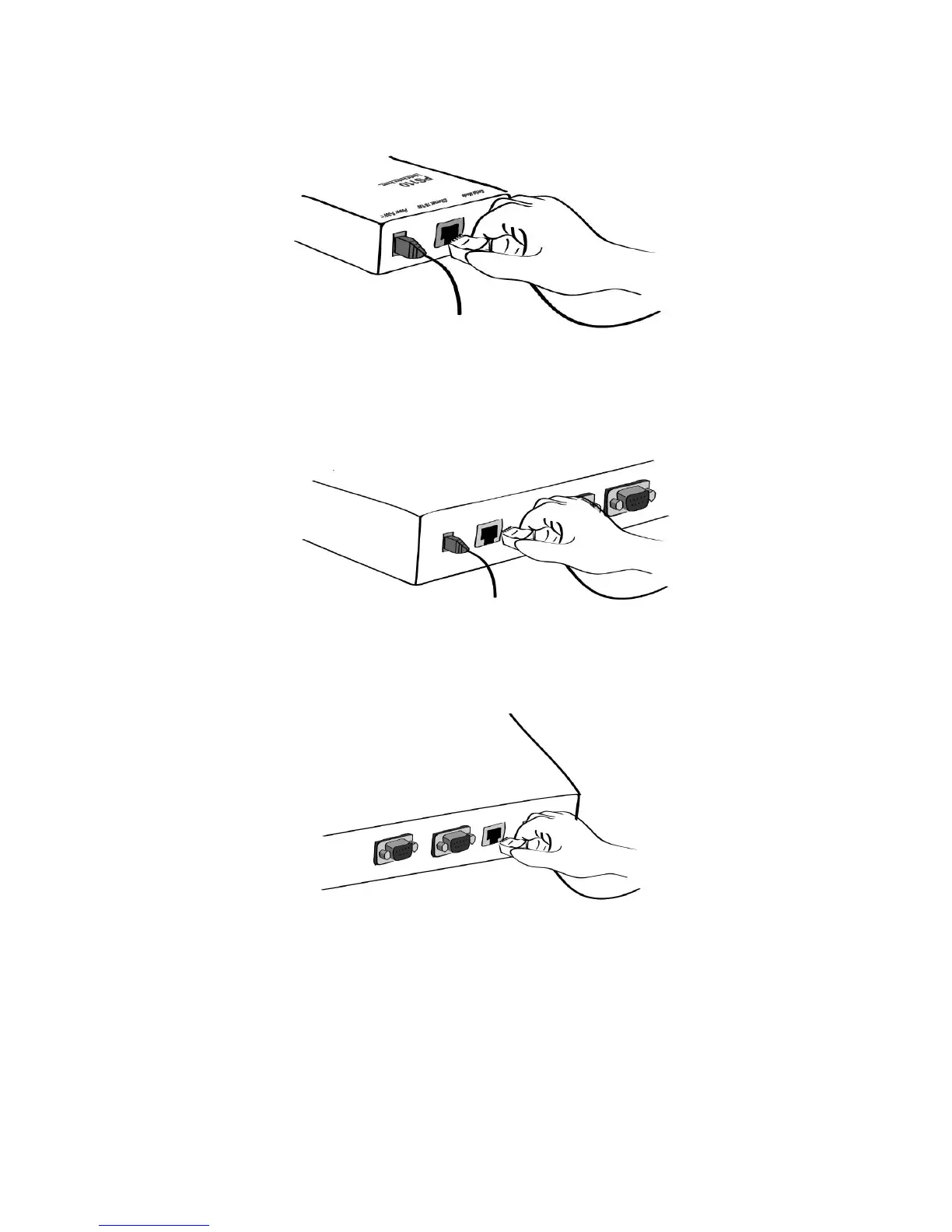
Figure 2-4 Connecting a network cable to the PS110
Figure 2-5 Connecting a network cable to the PS410
Figure 2-6 Connecting a network cable to the PS810
2.2.2. Connecting To The Device
Connect the console cable to the Pro Series serial port. To connect to the console port of the device,
the user needs to consider the type of console port provided by the device itself. Please refer to the
Appendix 1. Connections for details.



 To Next Page