42
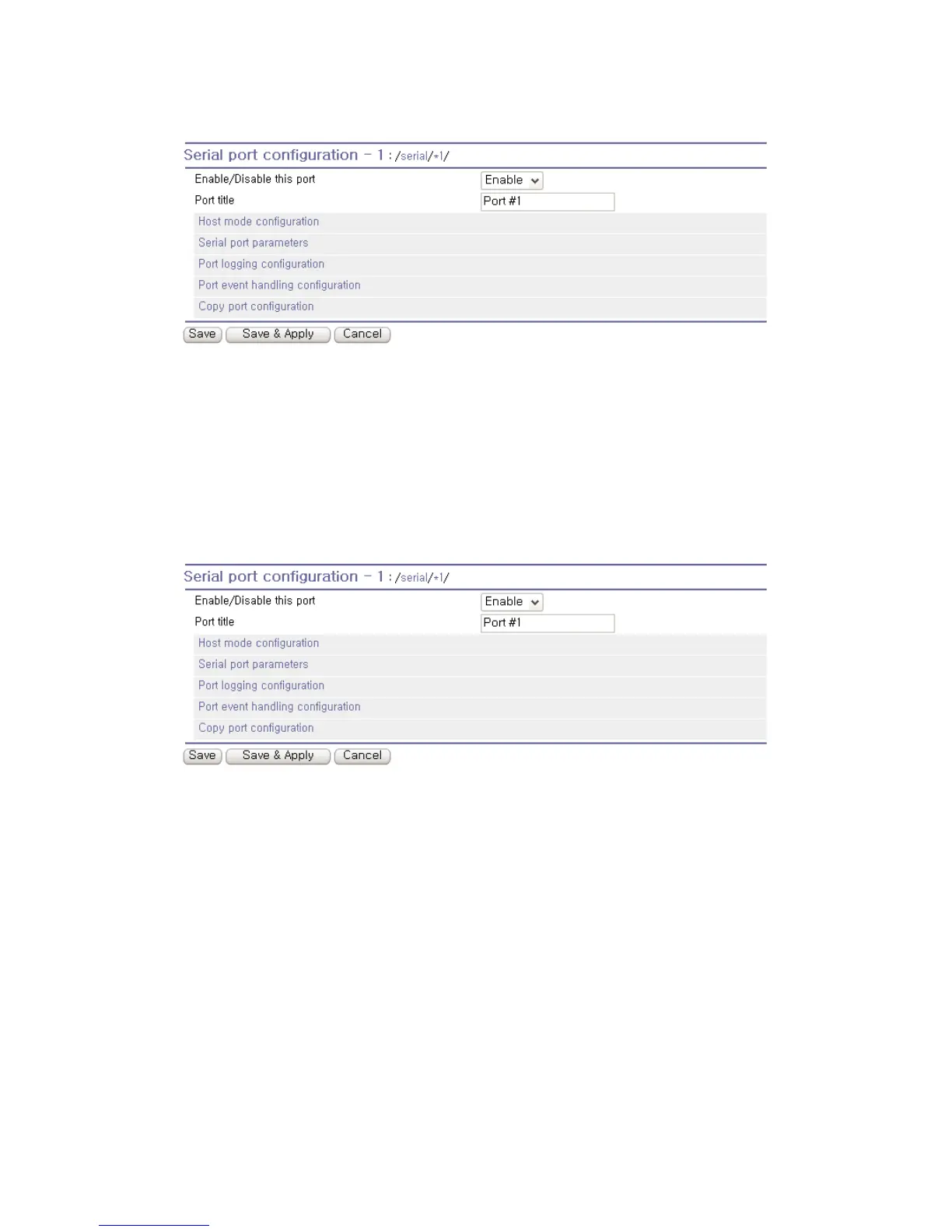
Figure 4-2 Serial port enable/disable
4.2.2. Port Title
Users can enter descriptive information for each port based on the device attached to it. This can
include the device type, vendor, and/or location.
Figure 4-3 Port title configuration
4.2.3. Host Mode Configuration
The Pro Series operating mode is called the “host mode”. Three host modes are available: TCP mode,
UDP mode, Modem emulation mode.
TCP mode
The Pro Series works as both TCP server and client. This mode works for most applications, since it
will transfer the data either from serial port or from TCP port. If there is no connection established on a
TCP port, the TCP port accepts a connection request from any registered remote hosts and relays the
transmitted data to the coupled serial port. If there is any data from the serial port, it connects to the
registered remote hosts and redirects the data.



 To Next Page