19
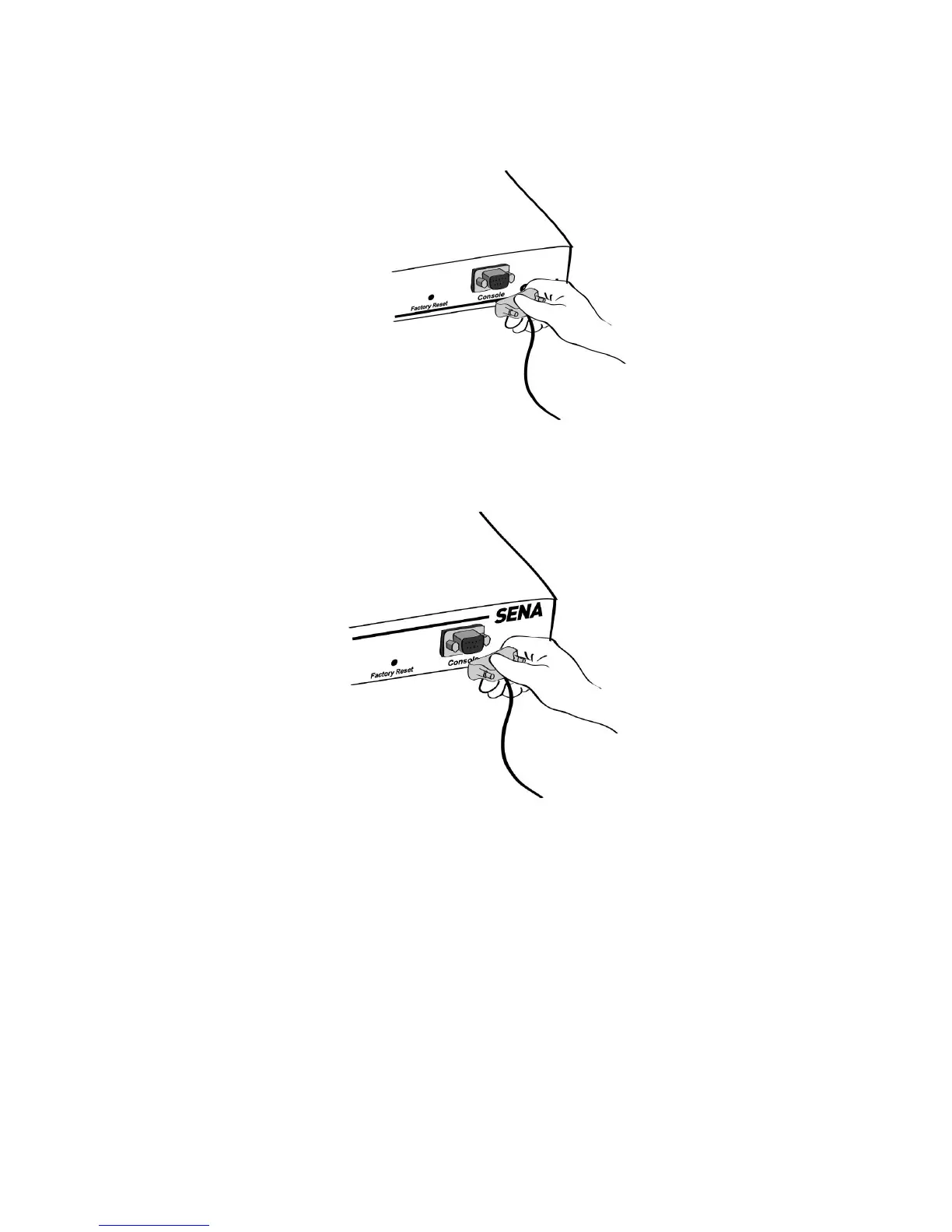
Figure 2-14 Connecting a system console cable to the PS410
Figure 2-15 Connecting a system console cable to the PS810
2) Connect the other end of the cable to the serial port of the user’s computer.
3) Run a terminal emulator program (i.e. HyperTerminal). Set the serial configuration
parameters of the terminal emulation program as follows:
9600 Baud rate
Data bits 8
Parity None
Stop bits 1
No flow control
4) Press the [ENTER] key.



 To Next Page