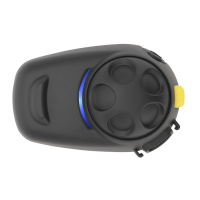
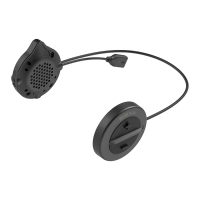
SMH10
27
English
Answer
Tap Phone Button or Tap Jog Dial or Say “Hello”
End Tap Phone Button or Press Jog Dial for 2”
Reject Press Jog Dial for 2”
Transfer Press Phone Button for 2”
Call Use phone keypad
Speed Dial Double tap Phone Button
Voice Command Tap Phone Button
Mobile Phone Call Button Operations
13.1 Start and End Two-way Intercom
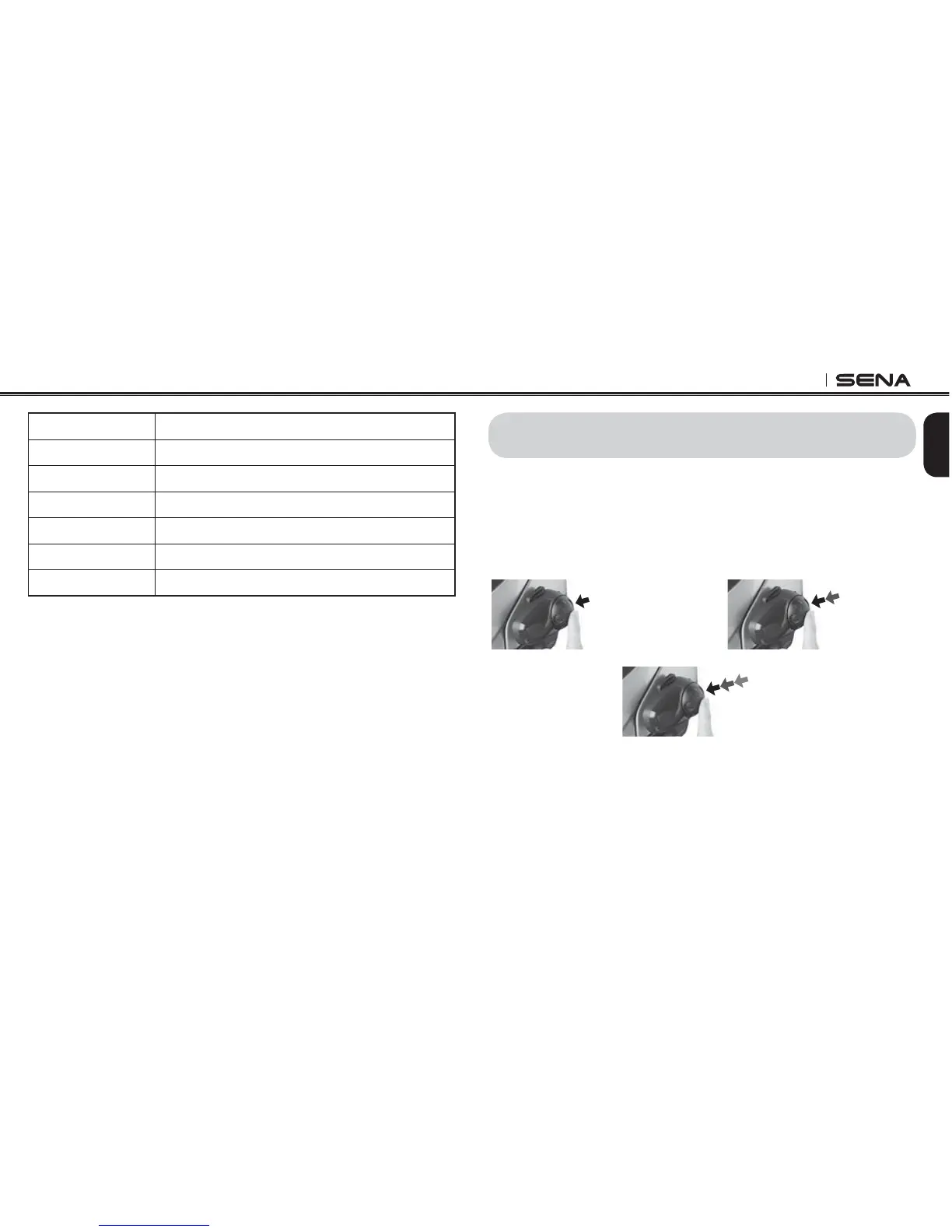
1. You can start an intercom conversation with one of any intercom
friends by tapping the Jog Dial single tapping to intercom with
the lrst intercom friend, double tapping with the second intercom
friend, and triple tapping with the third intercom friend.
2
nd
Intercom
Friend
1
st
Intercom
Friend
3
rd
Intercom
Friend
Start Two-way Intercom Conversation
13. TWO-WAY INTERCOM


 To Next Page