SMH10
32
15.1 Start Four-way Intercom
You can have four-way conference intercom with three other SMH10
users by adding one more intercom participant to the three-way intercom.
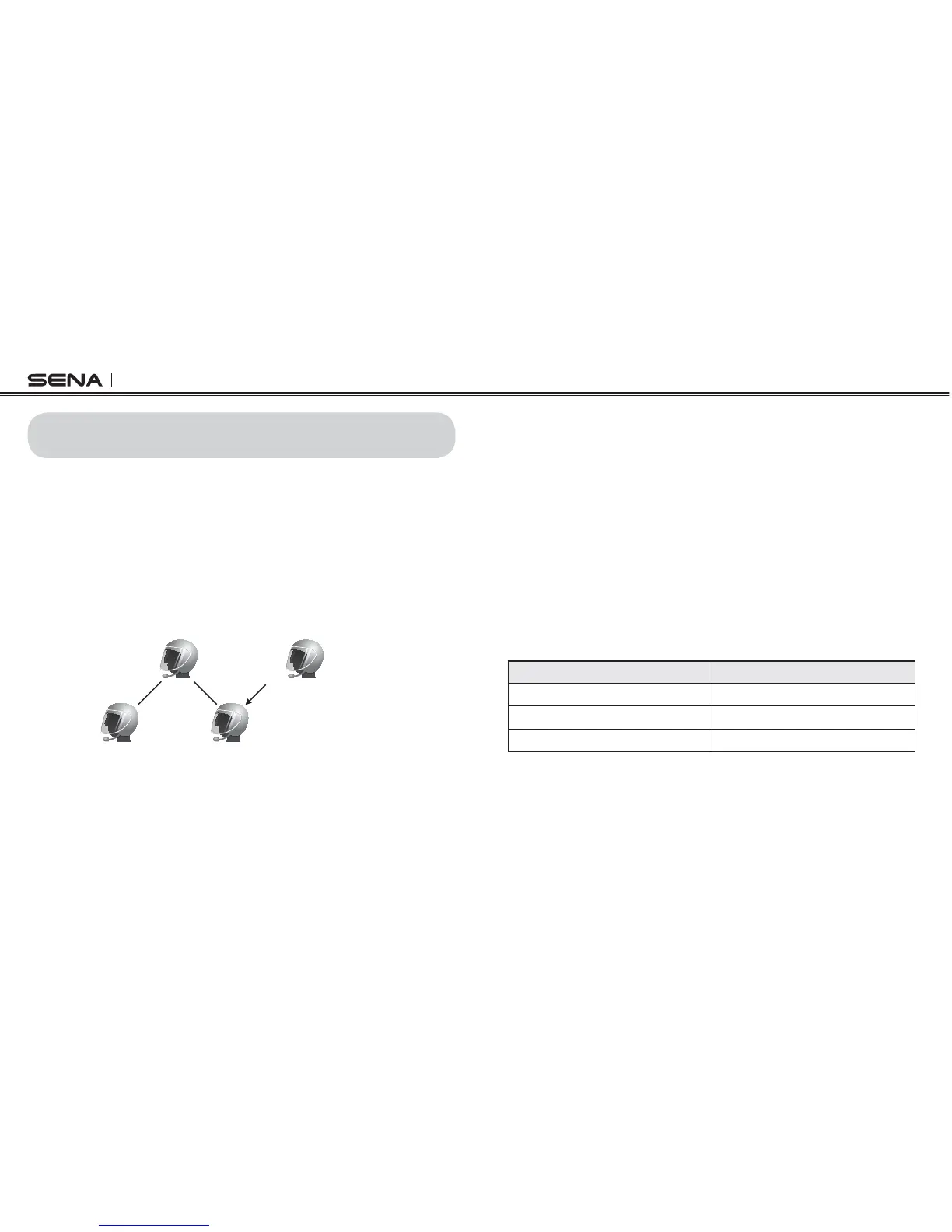
While you are having three-way intercom as speciled in section 14.1, a
new participant (D), who is an intercom friend of your intercom friend
(C), may join the conference intercom by making an intercom call to your
intercom friend (C). Please note that in this case, the new participant (D)
is an intercom friend of (C), not of you (A).
)LUVW)ULHQG
%
6HFRQG)ULHQG
&
<RX
$
1HZ3DUWLFLSDQW
'
,QWHUFRP)ULHQGRI&
15. FOUR WAY CONFERENCE INTERCOM
15.2 End Four-way Intercom
As same in the case of three-way intercom, you can completely get
out of the four-way conference intercom or just disconnect a single
intercom connection.
1. Press the Jog Dial for 1 second until you hear a beep to terminate
four-way conference intercom. It terminates the intercom connections
between you (A), and your intercom friends (B), (C) and (D).
2. Tap or double tap the Jog Dial to disconnect the intercom connection
with one of the two intercom friends accordingly. However, when
you disconnect the second friend (C) by double tapping the Jog
Dial, you will be disconnected with the third participant (D) as well.
This is because the third participant (D) is connected with you via
the second friend (C).
Jog Dial Operation Result
Press for 1” Disconnect (B), (C) & (D)
Single tap Disconnect (B)
Double tap Disconnect (C) & (D)
End Four-way Intercom



 To Next Page