SMH10
7
English
To securely install the SMH10 on the helmet, please follow the
procedure.
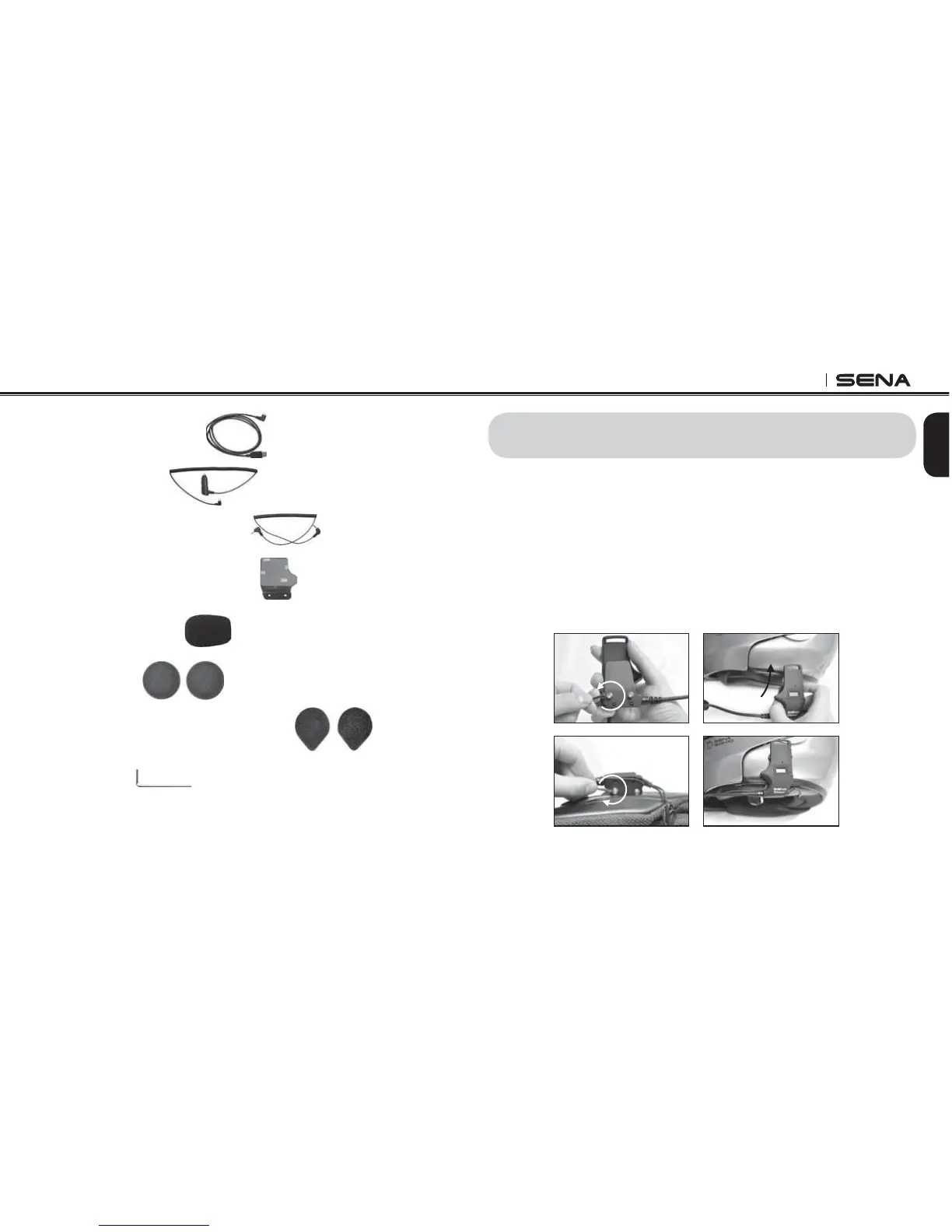
1. Loosen the two screws on the back plate of the speaker-
microphone clamp unit using the enclosed Allen Wrench. Insert
the back plate of the clamp unit between the internal padding and
external shell of the helmet, and tighten the two screws. Please
make sure that the microphone is located properly close to your
mouth when you wear the helmet.
Insert
3. INSTALLING THE SMH10 ON YOUR HELMET
86%3RZHU'DWD&DEOH
&LJDUHWWH&KDUJHU
PP6WHUHR$XGLR-DFN&DEOH
*OXHG6XUIDFH0RXQWLQJ$GDSWHU
0LFURSKRQH6SRQJHV
6SHDNHU3DGV
+RRNDQG/RRS)DVWHQHUVIRU6SHDNHUV
$OOHQ:UHQFK



 To Next Page