23
SPH10H
English
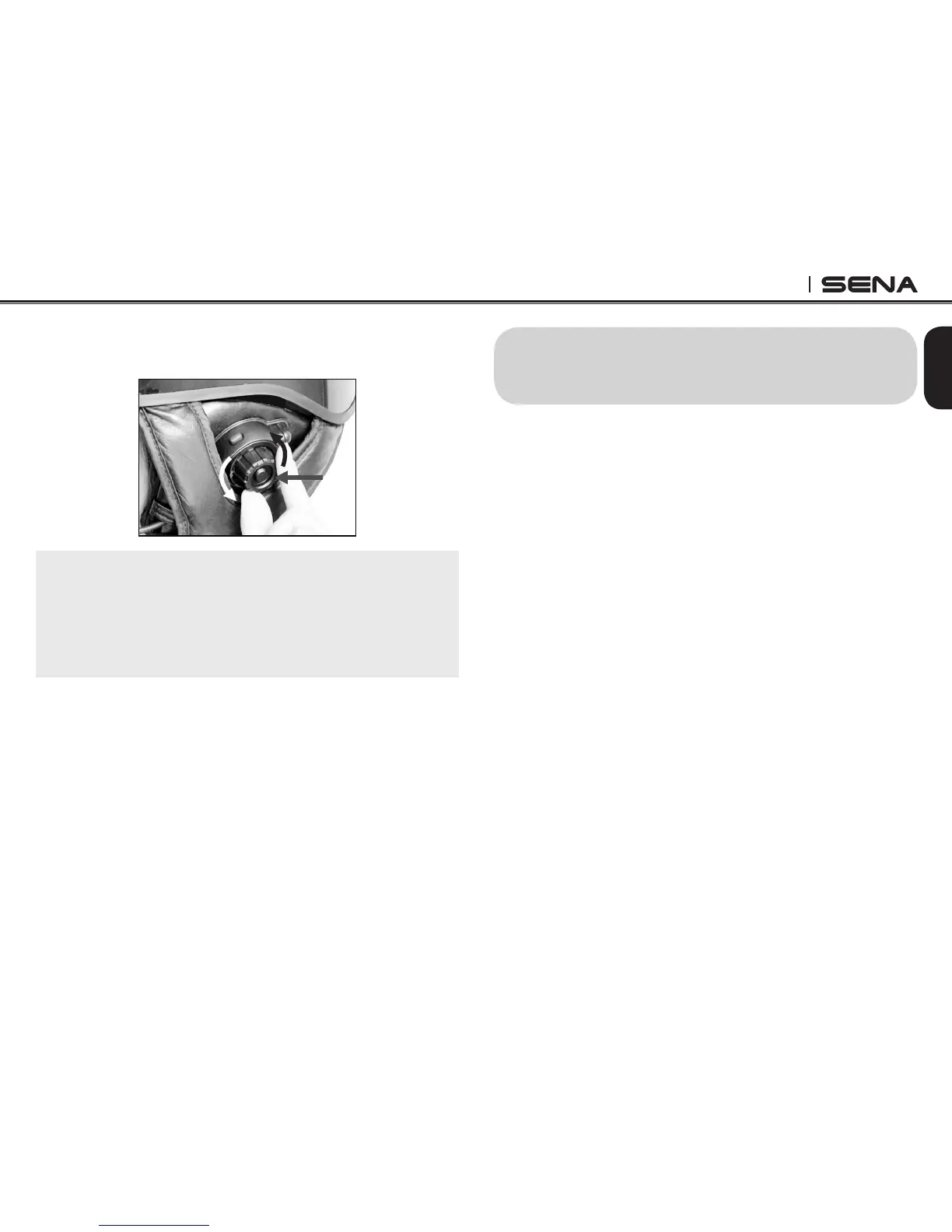
3. To track forward or track back, rotate while pressing
the Jog Dial clockwise or counter clockwise.
Note:
Bluetooth music is available only when the MP3 jack
port remains open. Please make sure the audio cable
is unplugged from the clamp unit to play music by
Bluetooth.
12. MOBILE PHONE CALL MAKING AND
ANSWERING
12.1 Mobile Phone Call Making and Answering
1. When you have an incoming call, simply tap the
Phone Button or the Jog Dial to answer the call.
2. You can also answer the incoming call by loudly
speaking any word of your choice if Voice Activated
Phone Answering is enabled.
3. To end a call, tap the Phone Button or press the
Jog Dial for 2 seconds until you hear a beep, or
wait for the called person to end the call.
4. To reject a call, press the Jog Dial for 2 seconds
until you hear a beep while the phone is ringing.
5. To transfer a call between the mobile phone and
the headset during the phone conversation, press
the Phone Button for 2 seconds until you hear a
beep.
6. There are several ways to make a phone call:
- Enter numbers on your mobile phone keypad
and make a call. Then the call is automatically
transferred to the headset.
- For some older mobile phones which do not
automatically transfer calls to the headset, press



 To Next Page