Mesh Intercom™
Open Mesh™: communication within the same channel.
Group Mesh™: communication within the same private group.
• For more information on Mesh Intercom, refer to the User’s Guide.
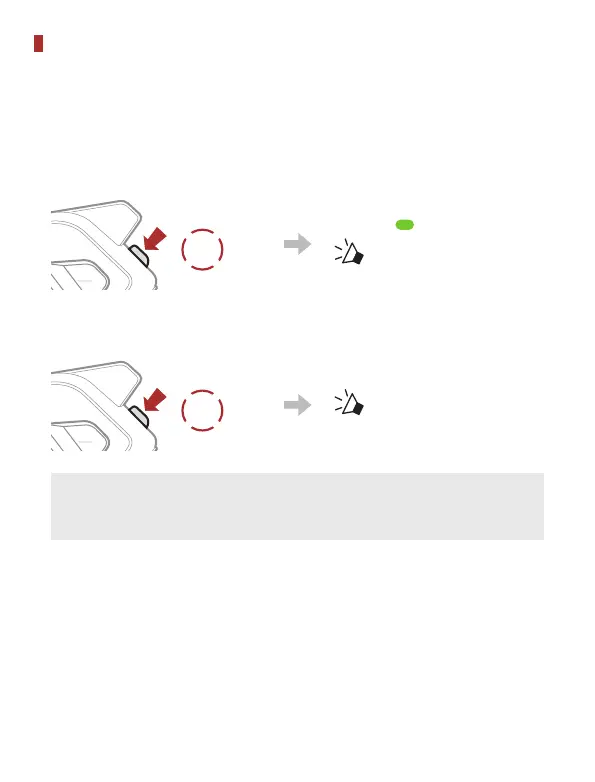
Mesh Intercom On
1x
TAP
Blinking
“ Mesh intercom on,
Open Mesh, channel 1”
Mesh Intercom Off
1x
TAP
“ Mesh intercom off”
Note: When Mesh Intercom is on, the SPIDER RT1 will
automatically connect to nearby SPIDER RT1 users and the
headset will be in Open Mesh (default: channel 1) initially.



 To Next Page