7
Connecting to a Computer
▪ ▪ ▪ ▪ ▪ ▪ ▪ ▪ ▪ ▪ ▪ ▪ ▪ ▪ ▪ ▪ ▪ ▪ ▪ ▪ ▪ ▪ ▪ ▪ ▪ ▪ ▪ ▪ ▪ ▪ ▪ ▪ ▪ ▪ ▪ ▪ ▪ ▪ ▪ ▪ ▪ ▪ ▪ ▪ ▪ ▪ ▪ ▪ ▪ ▪ ▪ ▪ ▪ ▪ ▪ ▪ ▪ ▪ ▪ ▪ ▪ ▪ ▪ ▪ ▪ ▪ ▪ ▪ ▪ ▪ ▪ ▪ ▪ ▪
2. Connect the outputs of the PMC-II to your monitors.
Monitors with XLR inputs can be connected with XLR cables Monitors with 1/8″ TRS
stereo inputs can be connected via the mini output jack with a 1/8″ TRS stereo mini cable.
3. Set the sound output of your computer to its maximum level.
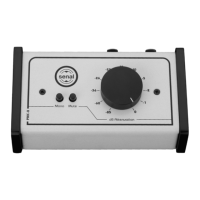
4. Turn the volume control knob of the PMC-II to full attenuation (all the way to the left).
5. Turn on the monitors.
6. Start playing audio on your computer and gradually turn up the volume control of the
PMC-II to the desired level.
Note: If no sound is heard, see the troubleshooting section on page 10.


 To Next Page