Hoverprobe Refurbishment 13
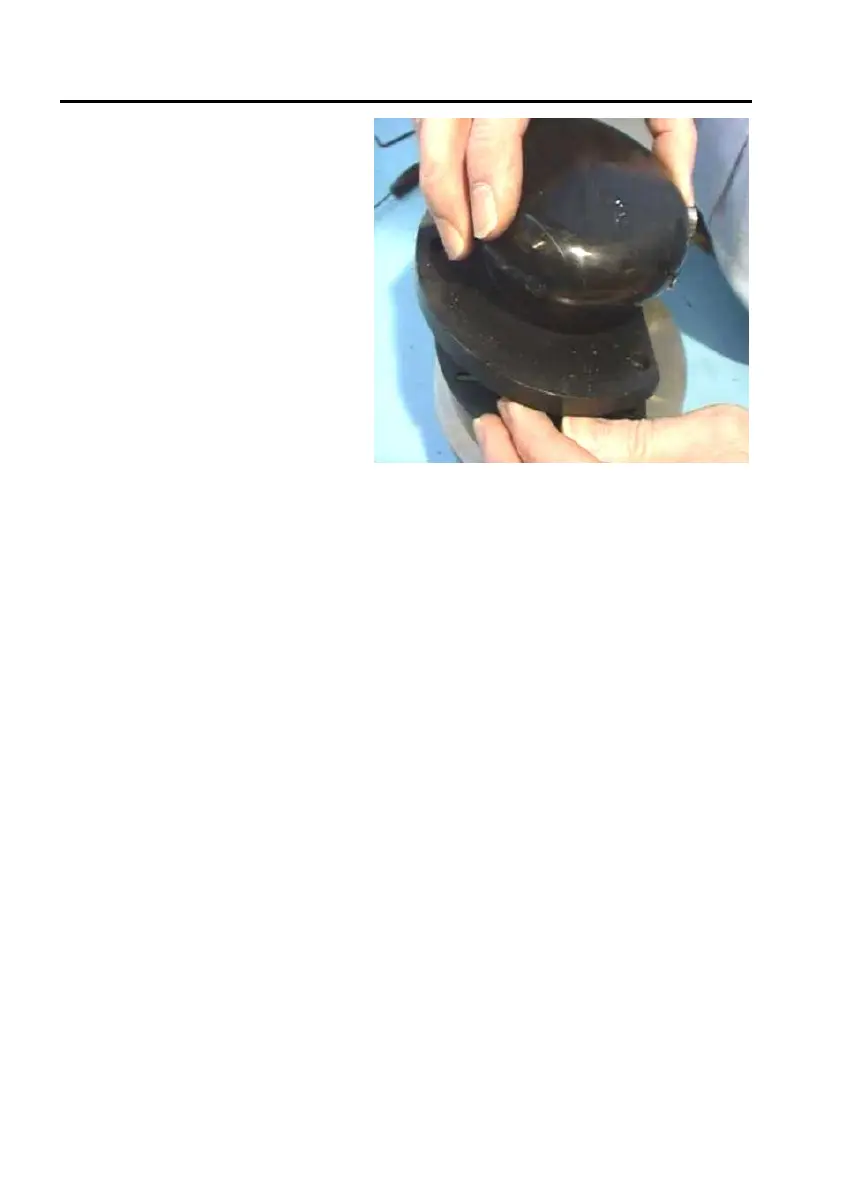
31. Place handle assembly onto
enclosure (21), holding the
whole Hoverprobe
backwards so that the lever
is resting on the buttons
and tighten everything with
the 3 bolts (34).
32. Make sure the weight (12) can be lifted and twisted freely (a few millimetres)
and the switches are triggered. Check that the weight does not stick or slides
down to rest slowly.


 To Next Page