EN - 8
Caution: Some connected devices support common volume setting. If some of
the connected devices do not support this feature, the volume setting will operate
separately on each device.
TWS FUNCTION
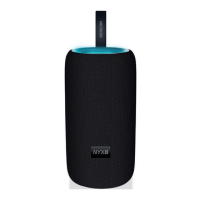
If you purchase another Bluetooth speaker (“NYX 2”), you can pair them together for
optimal stereo sound. First, make sure your device is not connected to any BT speaker.
Switch on both BT speakers, press and hold the “M” button on both BT speakers at the
same time and wait until the speakers pair together automatically. Successful pairing
will be accompanied by an acoustic signal. Then connect your mobile device to one of
the BT speakers.
Changing the volume level using the volume control buttons will take effect
automatically on both paired BT speakers. To exit TWS mode, hold down the “M”
button on one of the participating BT speakers until an acoustic signal sounds.
Warning: The TWS feature is only available in the Bluetooth mode. It is not possible
to pair the device with another type of BT speaker with TWS function, even in re-
editions of products with a different name.


 To Next Page