EasyManua.ls Logo

Sencor SBP 901 - Troubleshooting Common Issues

Sencor SBP 901
14 pages
Print Icon
To Next Page IconTo Next Page
To Previous Page IconTo Previous Page
Loading...
Digital
Blood
Pressure
Monitor
with
Cuff
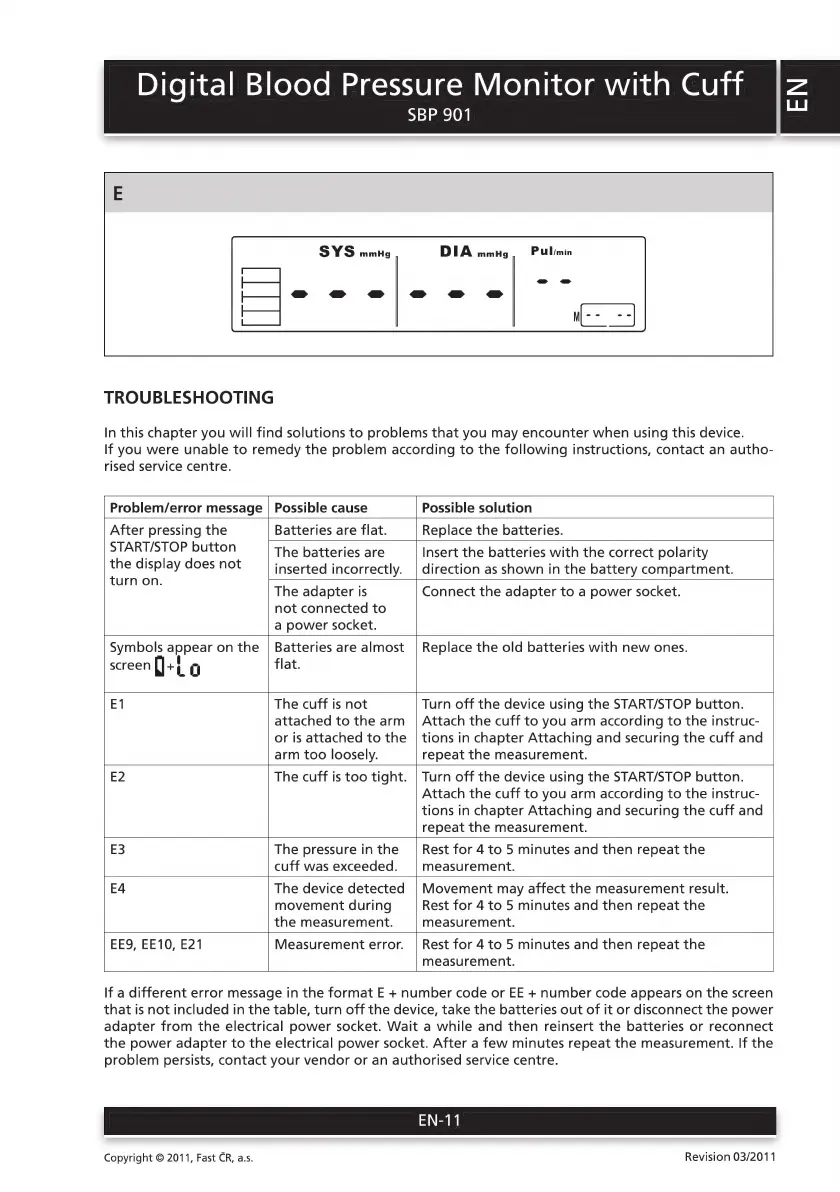
TROUBLESHOOTING
SYS
mmHg
SBP
901
Pul/min
DIA
mmHg
In
this
chapter
you
will
find
solutions
to
problems
that
you
may
encounter
when
using
this
device.
If
you
were
unable
to
remedy
the
problem
according
to
the
following
instructions,
contact
an
autho-
rised
service
centre.
Problem/error
message
Possible
cause
Possible
solution
After
pressing
the
START/STOP
button
the
display
does
not
turn
on.
Batteries
are
flat.
Replace
the
batteries.
The
batteries
are
inserted
incorrectly.
Insert
the
batteries
with
the
correct
polarity
direction
as
shown
in
the
battery
compartment.
The
adapter
is
not
connected
to
a
power
socket.
Connect
the
adapter
to
a
power
socket.
Symbols
appear
on
the
screen
+i
С
Batteries
are
almost
flat.
Replace
the
old
batteries
with
new
ones.
movement
during
the
measurement.
E1
The
cuff
is
not
Turn
off
the
device
using
the
START/STOP
button.
attached
to
the
arm
|
Attach
the
cuff
to
you
arm
according
to
the
instruc-
or
is
attached
to
the
|
tions
in
chapter
Attaching
and
securing
the
cuff
and
arm
too
loosely.
repeat
the
measurement.
E2
The
cuff
is
too
tight.
|
Turn
off
the
device
using
the
START/STOP
button.
Attach
the
cuff
to
you
arm
according
to
the
instruc-
tions
in
chapter
Attaching
and
securing
the
cuff
and
repeat
the
measurement.
E3
The
pressure
inthe
|
Rest
for
4
to
5
minutes
and
then
repeat
the
cuff
was
exceeded.
|
measurement.
E4
The
device
detected
|
Movement
may
affect
the
measurement
result.
Rest
for
4
to
5
minutes
and
then
repeat
the
measurement.
EES,
EE10,
E21
Measurement
error.
Rest
for
4
to
5
minutes
and
then
repeat
the
measurement.
If
a
different
error
message
in
the
format
E
+
number
code
or
EE
+
number
code
appears
on
the
screen
that
is
not
included
in
the
table,
turn
off
the
device,
take
the
batteries
out
of
it
or
disconnect
the
power
adapter
from
the
electrical
power
socket.
Wait
a
while
and
then
reinsert
the
batteries
or
reconnect
the
power
adapter
to
the
electrical
power
socket.
After
a
few
minutes
repeat
the
measurement.
If
the
problem
persists,
contact
your
vendor
or
an
authorised
service
centre.
EN-11
Revision
03/2011
Copyright
©
2011,
Fast
CR,
a.s.

Related product manuals