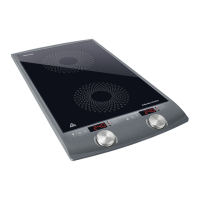
Induction Cooktop
SCP 4202GY / SCP 4203WH
EN
EN-7
06/2015
2015
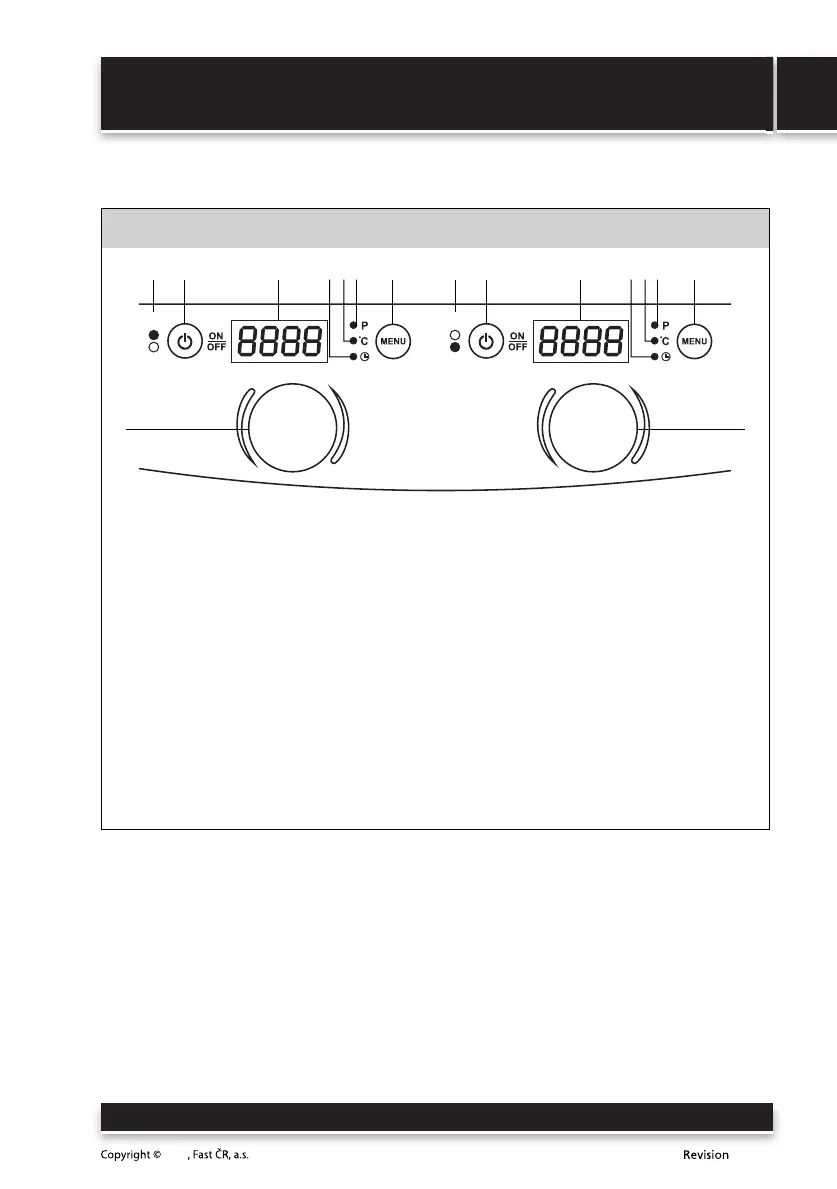
DESCRIPTION OF THE CONTROL PANEL AND DISPLAY
B
1A
88
2 3 46 75
1B
2 3 46 75
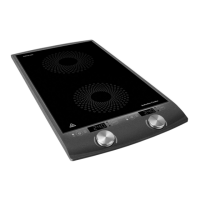
1 Control panel A for the large (top) hotplate
Control panel B for the small (bottom) hotplate
2 ON/OFF touch button
Serves to turn on the hotplate or to switch it to stand-by mode.
3 Display
Displays the set power level, temperature, automatic shut off time or error
messages. If the hotplate is turned off, the display will show "OFF" (turned off).
4 Indicator of the automatic shut off timer display mode
5 Indicator of the set temperature display mode
6 Indicator of the set power level display mode
7 Menu touch button
After turning on a hotplate with the Menu button, you switch between the display/setting
of the power level, temperature and automatic shut off timer modes.
8 Control dial
It is used to set the power, temperature and the automatic shut off timer for a hotplate.


 To Next Page