EN 9
EN
Copyright © 2017, Fast ČR, a.s. Revision 09/2017
Menu/Confi guration/Language
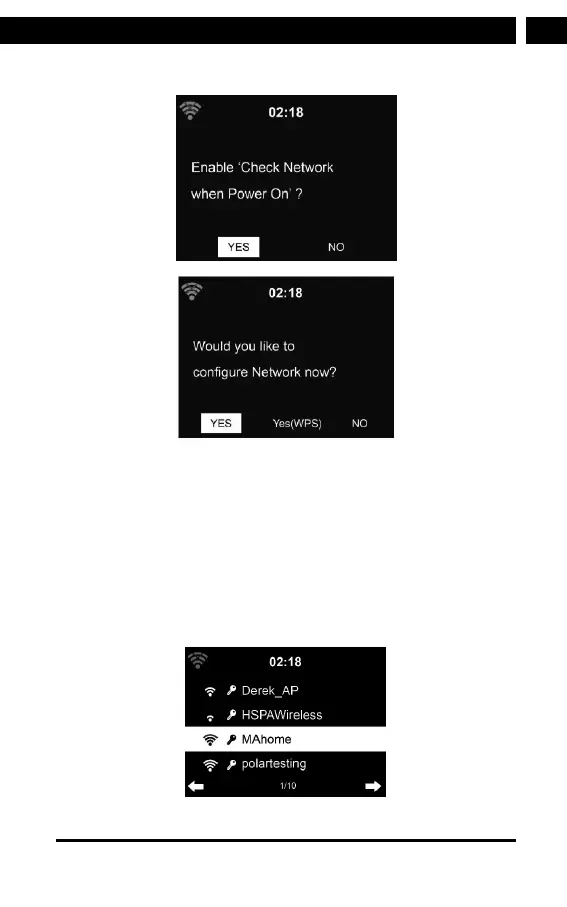
Select Yes to establish connection to the network.
Select Yes (WPS) only for WPS routers. Then press the WPS
button on your router.
Select No if you would prefer to listen to aterrestrial station
or to use the speaker with an external playback device.
If you answer ”Yes”, the display goes to scanning for Wireless
Network and shortly afterwards alist of avaiable wireless
networks will appear.



 To Next Page