8 EN
EN
Copyright © 2017, Fast ČR, a.s. Revision 09/2017
Getting Started
The packaging box contains the following items:
SIR 5000WDB Internet Radio
Remote Control
Power Adapter
User Manual
Get the network ready
For wireless LAN(WLAN) network connection:
Check if WLAN LINK/ACT light of the wired/wireless access
point or router is illuminated. Consult the user guide of that for
any questions.
Note:
WiFi allows data transfer over short distances within
20 meters without the need of cabling between the
devices. Any walls or ceilings may reduce the strength
of the WiFi connectivity.
Therefore try to locate the Internet Radio and/or the access point
within the distance mentioned above, and avoid any obstacles
between two devices.
Insert DC jack of the power adapter into the DC jack and Plug
the another end into the AC socket.
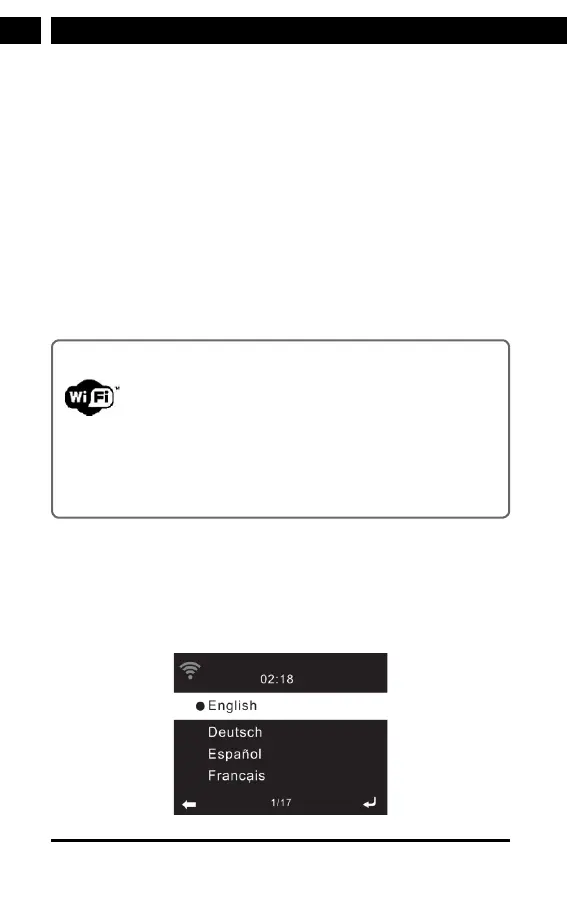
When it is the fi rst time running the device,the system will ask
you to set Language and Network Confi gurations.



 To Next Page