EN 13
EN
Copyright © 2017, Fast ČR, a.s. Revision 09/2017
Troubleshooting
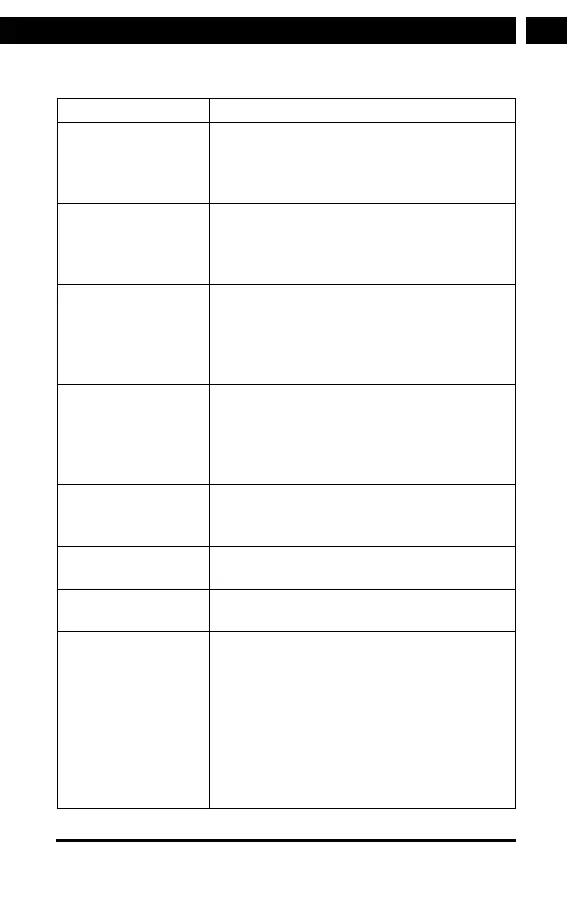
Error Remedy
No display
indication,
radio does not
respond to operation
1. Set up power supply via mains adapter
supplied
No operation via
remote control
possible
1. Batteries discharged or incorrectly
inserted.
2. Please check whether batteries inserted
in correct direction.
DAB+ reception poor 1. No stations found, perform astation scan
2. Antenna not fully extended.
3. Change the location of the radio
(e.g. closer to window),
4. Repeat station scan
FM reception poor 1. Antenna not fully extended, extend the
FM antenna to its full length.
2. Change the location of the radio
(e.g. closer to window)
3. Repeat station scan
Poor audio quality
when playing music
1. File with low bit rate. Check the audio fi le.
2. Change the radio station (some radio
stations can have alow bit rate).
The device does not
switch on.
1. Check if the power adaptor is connected
properly.
No sound. 1. Turn on the sound as it may be muted.
2. Increase the volume.
No network
connection can be
established.
1. Check the WLAN function.
2. Try to set an IP address at the device.
3. Activate the DHCP function on the router
and make the connection again at the
device.
4. Afi rewall is activated on the network
– set the respective program in such
away that access is possible.
5. Reboot the unit to try.



 To Next Page