12 EN
EN
Copyright © 2017, Fast ČR, a.s. Revision 09/2017
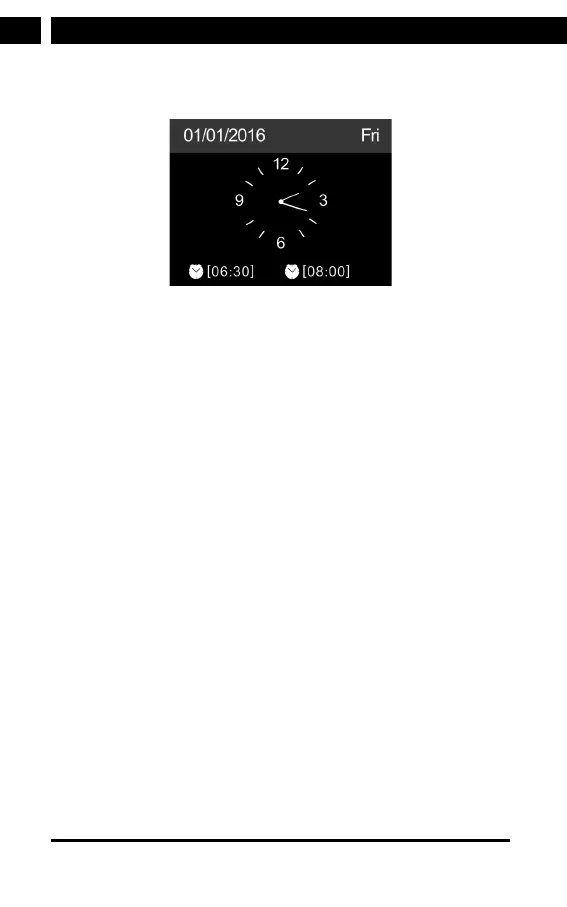
Press to enter standby mode. The time, date and any active
alarm times display on the screen.
If you have setup anetwork connection, and use the device
again within the network, it will automatically establish the
connection. In case you desire to change the network, enter
Confi guration to setup the corresponding connection. If you have
more AP with the same SSID at home, you can manually select
the one with the strongest signal.



 To Next Page