EN 11
EN
Copyright © 2017, Fast ČR, a.s. Revision 09/2017
7 P Q R Sp q r s
8 T UVt uv
9 WX Y Zwx yz
Alternatively, you can rotate the Volume/Navigate + OK dial
to choose the numbers and letters:
< Go to previous entry space, entry can be overwritten
> Go to next entry space, the last entry is saved.
After you have entered the fi nal number/letter, you should press the
Volume/Navigate + OK dial to confi rm, then the display will show as
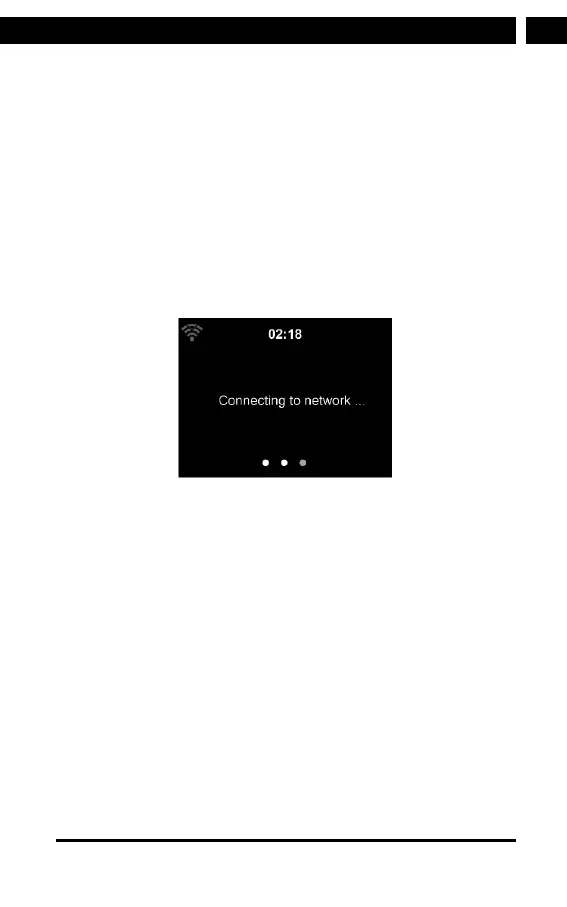
below:
It may take afew seconds to establish the connection to the network.
Once the connection is established, the main menu appears with the
main menu items:
Internet Radio: Access to worldwide radio stations
Media Center: Access to your UpnP devices via software with
streaming capability.
FM: Access to FM radio stations
DAB: Access to DAB radio stations
Information Center: Access to weather, fi nancial and system
information.
AUX : Access to all devices connected via 3.5mm Aux-in cable.
Bluetooth: Access to all devices connected via bluetooth.
Confi guration: Various system settings
Local Radio: Access to radio stations in aparticular region
(e.g. only German Stations)



 To Next Page