EN - 5
Sleep To Music Timer
You can set the sleep timer to automatically turn off the unit during playback after a set period of time
(10, 20, 30… up to 90 minutes).
1) During operation, press the SLEEP button on unit or on remote control repeatedly to select the
desired sleep time from 90 minutes to 10 minutes, then stop pressing when the desired sleep
time come up, after about 5 seconds the sleep time will be automatically set and the “SLEEP”
indicator show on the display.
2) The RADIO or CD/MP3 or USB or AUX player will continue playing until the sleep timer counts
down to “00” and then turn off automatically.
Note: If you are falling asleep to CD/USB/AUX, the sound will stop when the disc ends, even if a
longer sleep time was selected.
Turning on the unit
Press the STANDBY button on unit or remote control, then press the FUNCTION button on unit or
remote control to choose FM / CD / USB / AUX or BLUETOOTH model.
VOLUME ADJUSTING
Rotate the VOLUME button on unit or remote control to increase or decrease volume.
Press MUTE button on remote control to turn off the sound. Press again to turn on.
EQ FUNCTION
This unit has a built-in equalizer system, Press EQ button on unit or remote control while playing to
select different music style (sound tone): FLA, JAZZ, ROC, CLASS and POP.
ID3 System
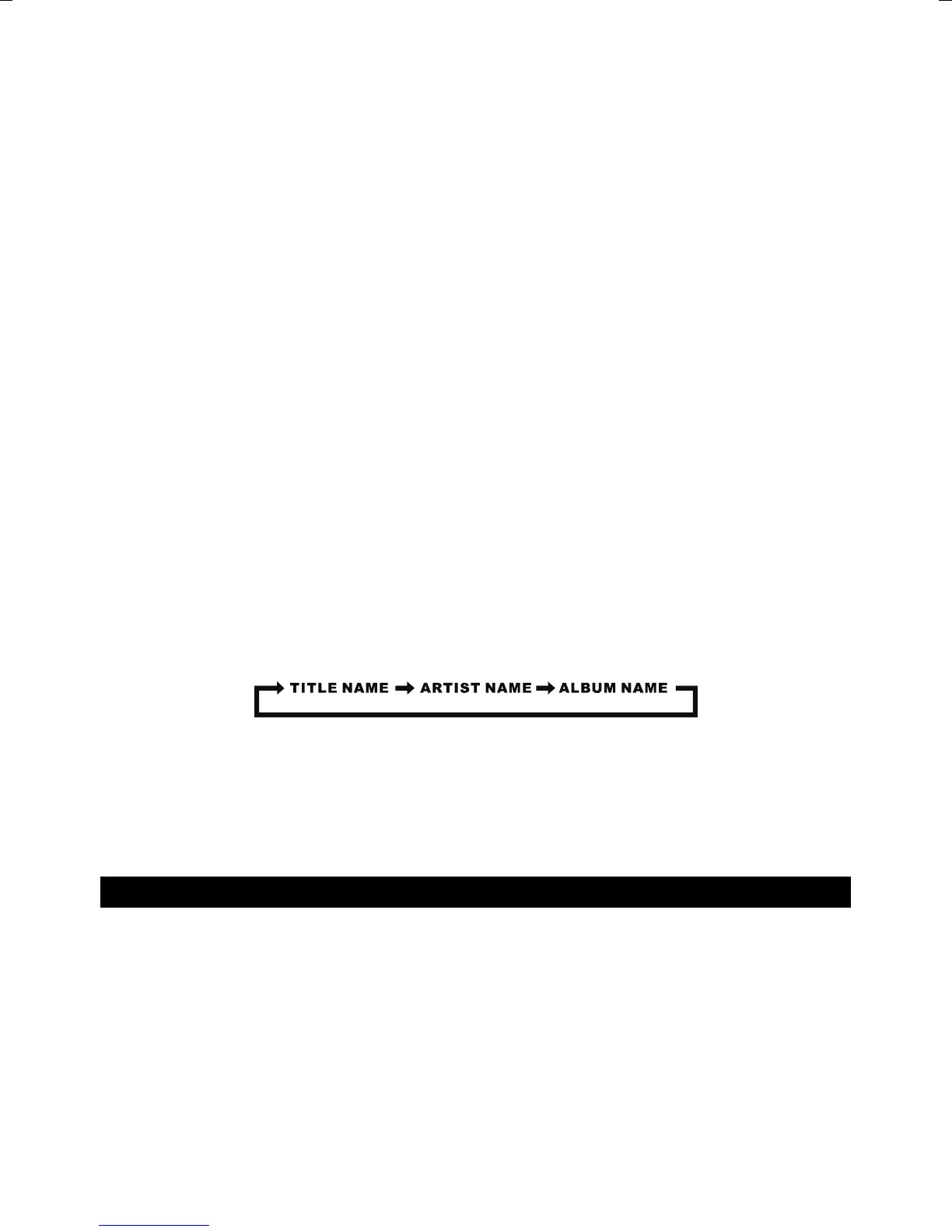
When plays a MP3 fi le, press the SET/PAIR/ID3 button on the unit or ID3/PAIR key on remote control, it
will show “ID3 ON”, if the MP3 fi le is“ID3 ” format, it will automatically search the information of “TITLE
NAME” “ARTIST NAME” and ”ALBUM NAME” and show on the display. Press the SET/PAIR/ID3 button
on the unit or ID3/PAIR key on remote control again to back to normal display.
HEADPHONE JACK
For private listening, insert a 3.5mm headphone (not included) into the HEADPHONE jack. The
SPEAKER output would be automatically cut off.
CAUTION: LISTENING AT A HIGH VOLUME OVER A LONG PERIOD IS NOT GOOD FOR YOUR
EARS.
RADIO OPERATION
TUNING RADIO STATIONS
1. Press the FUNCTION button on unit or remote control to select the desired wave band: FM.
2. Tune to desired station by pressing the TUN+/ or TUN-/, the display will show the band
frequency. Example: FM 97.10 MHz
3. Extend FM TELESCOPIC ANTENNA to its full length if you are listening to FM broadcasting.
Gently rock the unit back and forth to get the best reception when you are listening to FM
program, or place the unit in an open location.
Note: The radio function is initially set at STEREO mode, if the broadcasting program is too noisy
when you are listening to FM stereo station, press MO./ST./ button on unit or press MO./ST./
key on remote to switch to MONO FM.
4. To turn off the radio, press the FUNCTION button to switch to other functions or press STANDBY
button to turn off the unit.


 To Next Page
 Loading...