Using the “Conference Manager” software
68
Loading a configuration
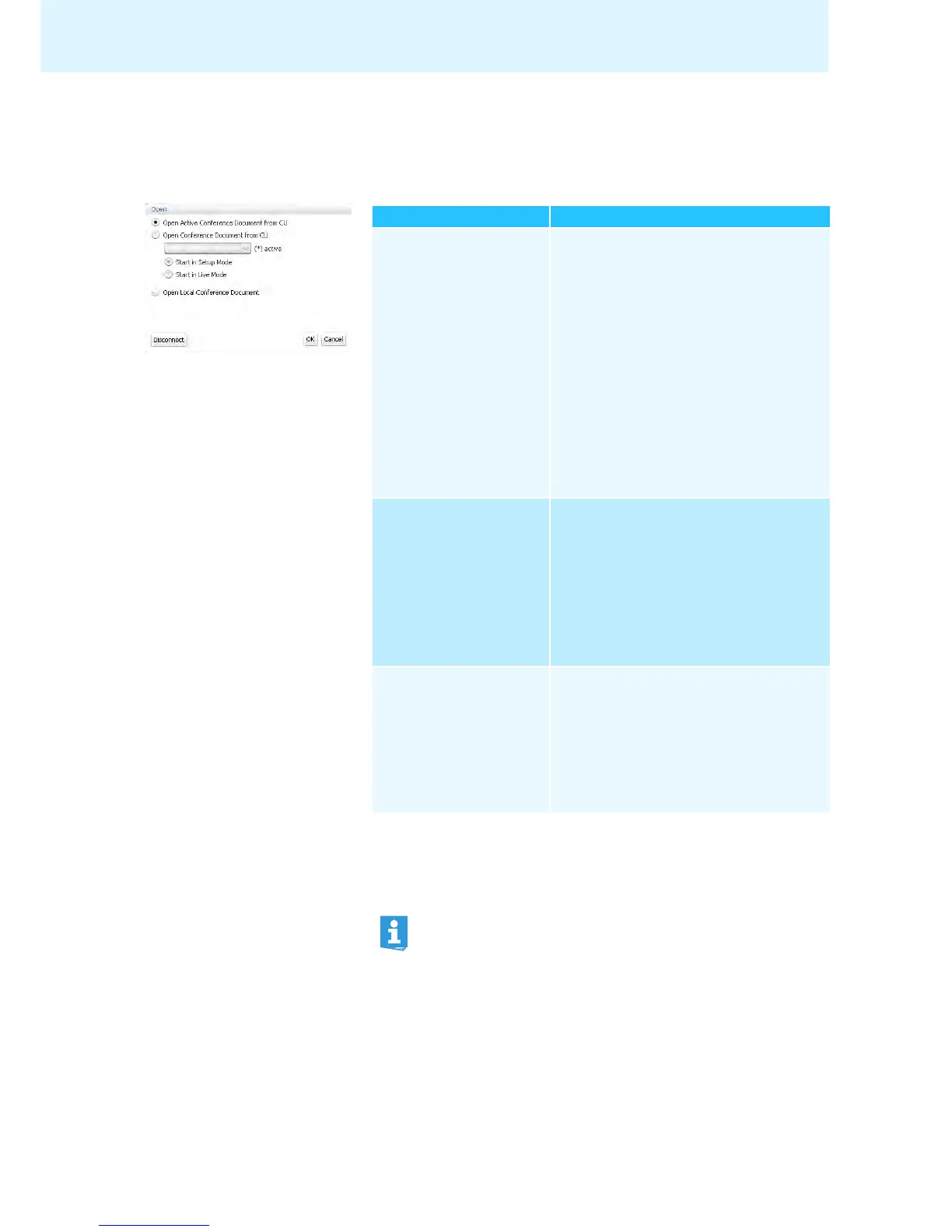
왘 In the menu bar, click “Global Menu” > “Open Conference”.
The “Open” window appears.
If the software is connected to a central unit (see page 66), you can load three
types of configurations:
Loading a configuration ... Actions
... of an active (running)
conference (“Active
Conference Document”)
To load your configuration in “Live“
*
operating
mode:
왘 Select the “Open Active Conference Docu-
ment from CU” option button.
왘 Click “OK”.
To select the operating mode (“Setup”
**
or
“Live”) in which the configuration is to be loaded:
왘 Select the “Open Conference Document from
CU” option button.
왘 Select the configuration of an active confer-
ence (marked with an asterisk “*”) from the
drop-down list.
왘 Select the operating mode (“Setup” or
“Live”) and click “OK”.
* After loading a configuration, the conference automatically starts in “Live” operating
mode. Also observe the information on page 69.
** In “Setup” operating mode, you can adapt existing configurations to your needs.
... of a non-active conference
(“Conference Document”)
To select the operating mode (“Setup” or “Live”)
in which the configuration is to be loaded:
왘 Select the “Open Conference Document from
CU” option button.
왘 Select the configuration of a non-active
conference (not marked with an asterisk “*”)
from the drop-down list.
왘 Select the operating mode (“Setup” or
“Live”) and click “OK”.
... of a conference saved
locally on the hard disk
(“Open Local Conference
Document”)
***
*** Only available if you are using the Windows version of the software – even if there is no
connection to a central unit.
왘 Select the “Open Local Conference Docu-
ment” option button.
왘 Click “OK” and select the desired configura-
tion from the “Open Conference” file selec-
tion dialog box (file extension “*.adn”).
왘 Click “OK”.
The conference is loaded in “Setup” oper-
ating mode.
If you open a configuration in “Setup” operating mode, the password set
will be prompted (where applies) (see page 64).



 To Next Page