69
Using the “Conference Manager” software
Activating/deactivating automatic loading of a configuration
To automatically load a saved configuration at startup of the conference system:
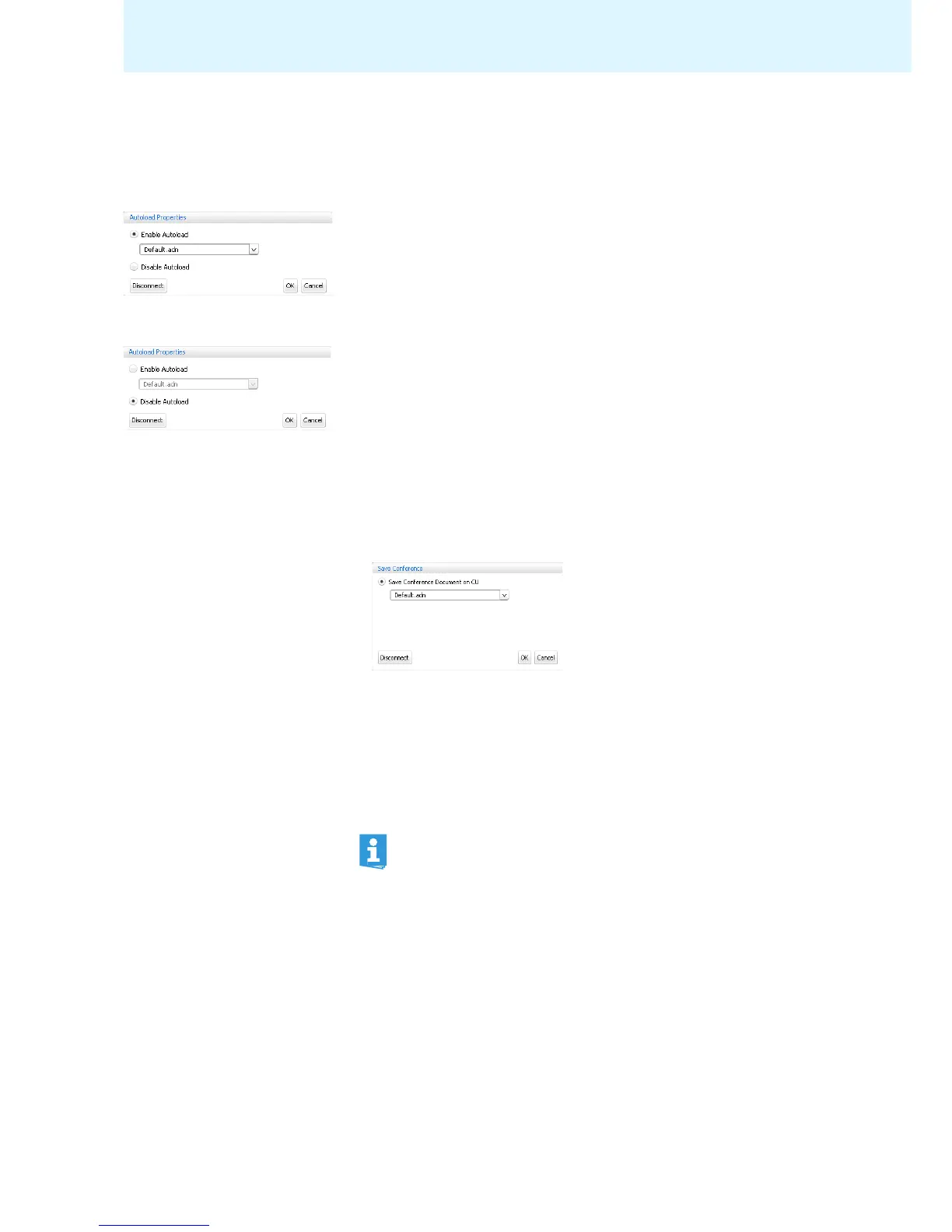
왘 In the menu bar, click “Global Menu” > “Autoload”.
The “Autoload Properties” window appears.
왘 Establish a connection to the central unit (see page 66).
왘 Select the “Enable Autoload” option button.
왘 Select the desired configuratio
n from the drop-down list.
왘 Click “OK”.
At the next startup of the conference system, the
selected configuration is
automatically loaded in “Live” operating mode.
To deactivate automatic loadi
ng
of a configuration:
왘 Select the “Disable Autoload” option button.
왘 Click “OK”.
Saving a configuration
You can save any number of configurations on either the central unit or locally on
the conn
ected Windows PC.
To save a newly created configuration on the central unit:
왘 In the menu bar, click “Global Menu” > “Save”.
The “Save Conference” window appears.
왘 If necessary, establish a connection to the central unit (see page 66).
왘 Select the “Save Conference Docu
ment on CU” option button.
왘 Enter a file name into the drop-down list box.
왘 Click “OK”.
The file is saved on the central unit.
You can click “Global Menu“ > “Save” to save a configuration that already has a file
nam
e
; there is no further query.
Settings made in “Live” operating mode or via the central unit’s oper-
ating menu are immediately saved to the current configuration.
To protect your configuration, we recommend that you save it
under a
different file name before changing to “Live” operating mode:
왘 Make sure that the software is con
n
ected to the central unit (see
page 66).
왘 Load the active configuration in “Setup”
operating mode (marked
with an asterisk “*”, see page 68).
This configuration contains t
he last settings used.
왘 Save the configuration under a different file
name (see above).



 To Next Page