Using the “Conference Manager” software
82
To move an object forwards:
왘 Select an object.
왘 Click the icon.
The selected object is moved forwards.
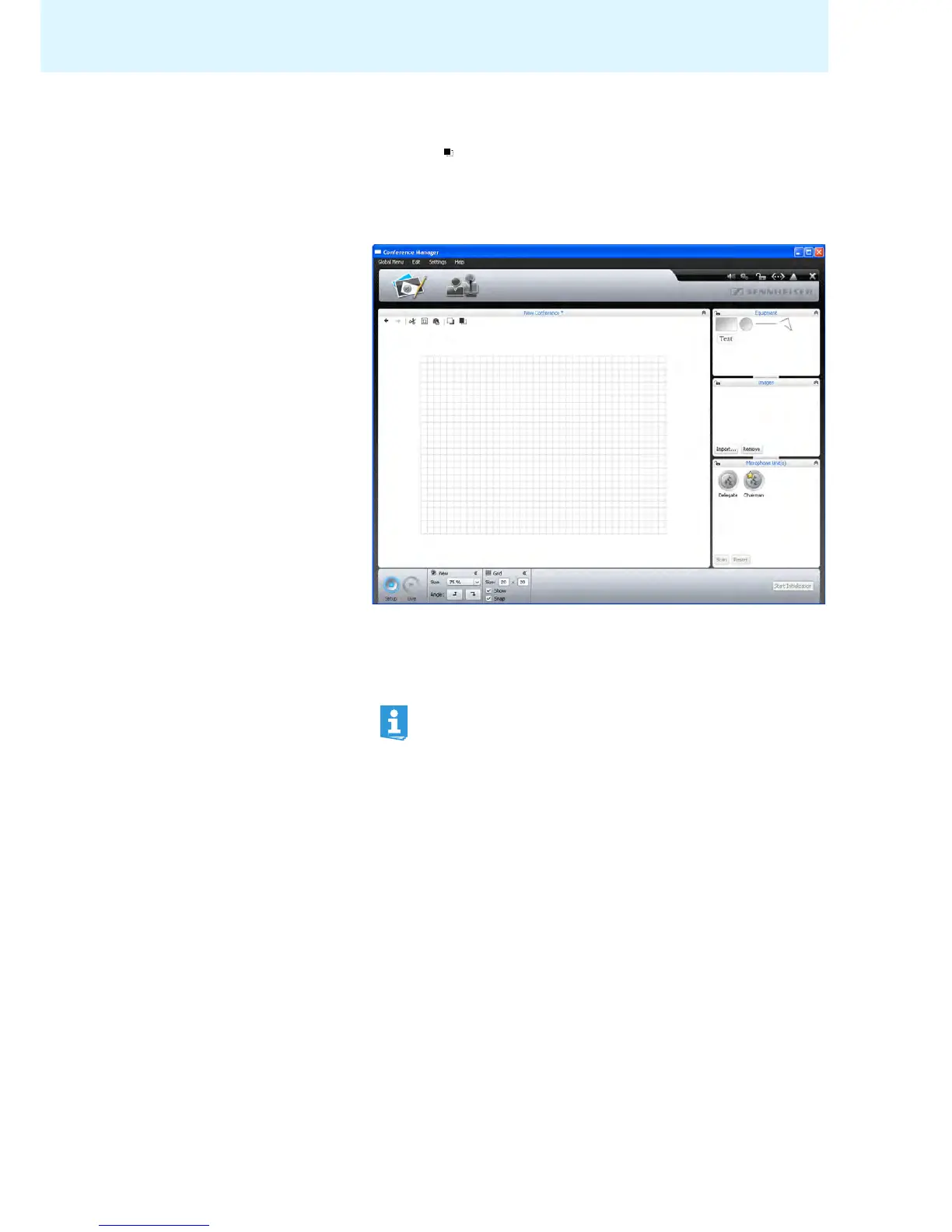
Enlarging the canvas When a new conference document opens in the Room View w
i
ndow, the canvas is
the large area with the grid pattern. When you reduce the size of the canvas, you
can see that the grid lines of the canvas are surrounded by a white area.
To enlarge the canvas:
왘 Move any objects on the canvas beyond the area of
the grid lines.
The canvas is automatically enlarged and adjusted
to the new position of the
objects.
When you remove objects from the enlarged area of the canvas, the
canvas is reduced to its normal size.



 To Next Page