83
Using the “Conference Manager” software
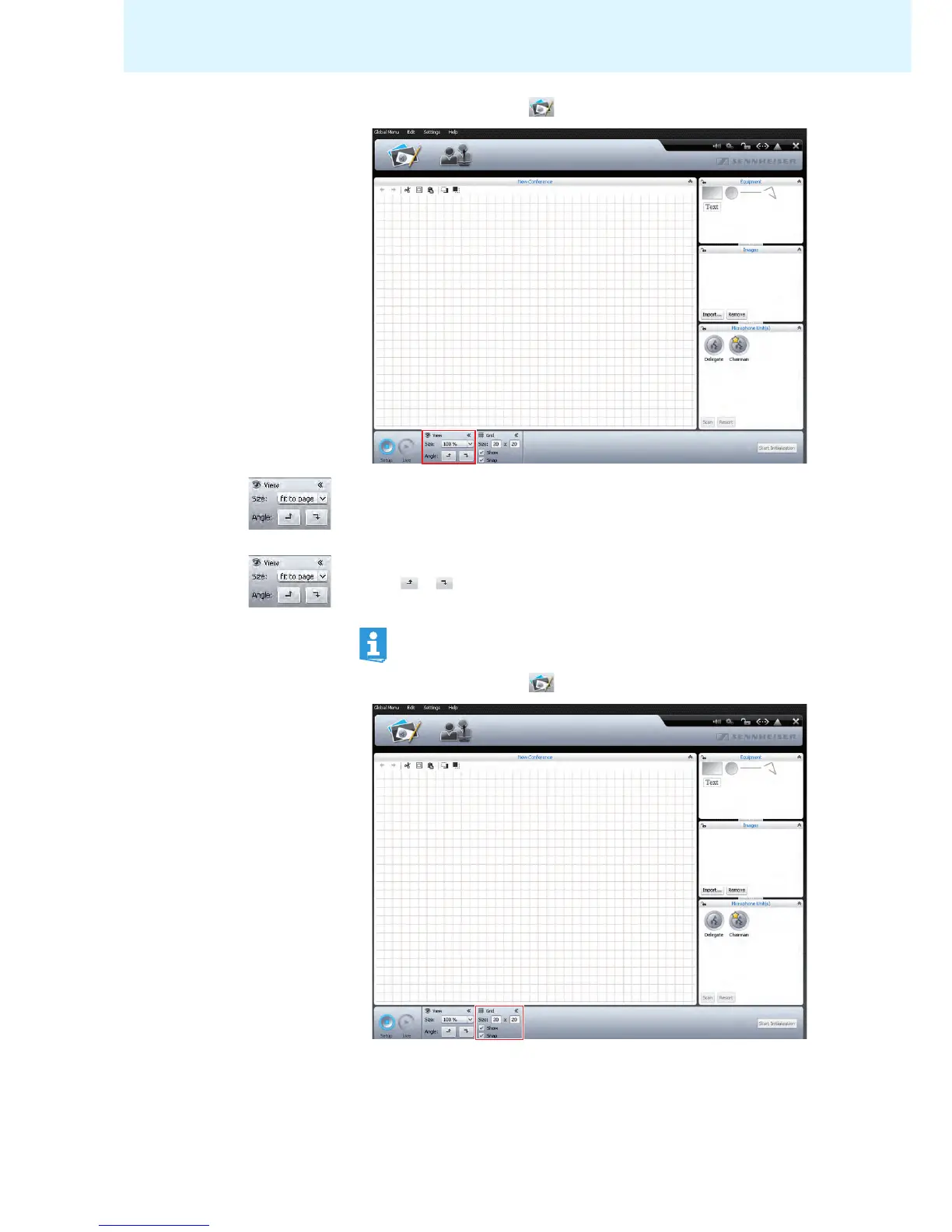
Changing the size of the canvas 왘 Click the Room View button .
To enlarge/reduce the size of the canvas:
왘 Select the desired scaling factor from the “Size” drop-down list.
The size of the canvas is adjusted.
To rotate the contents of the canvas:
왘 Click or .
The contents of the canvas is rotated by 90°.
Using grid lines 왘 Click the Room View button .
When the contents of the canvas is rotated, the orientation of the text
objects does not change so that the text remains readable.



 To Next Page