Using the “Conference Manager” software
96
왘 Enter a file name into the drop-down list.
왘 Click “OK”.
The configuration is saved on the central u
nit and “Live” operating mode is
started. The View windows change their appearance accordingly and the “Live”
button is highlighted in red.
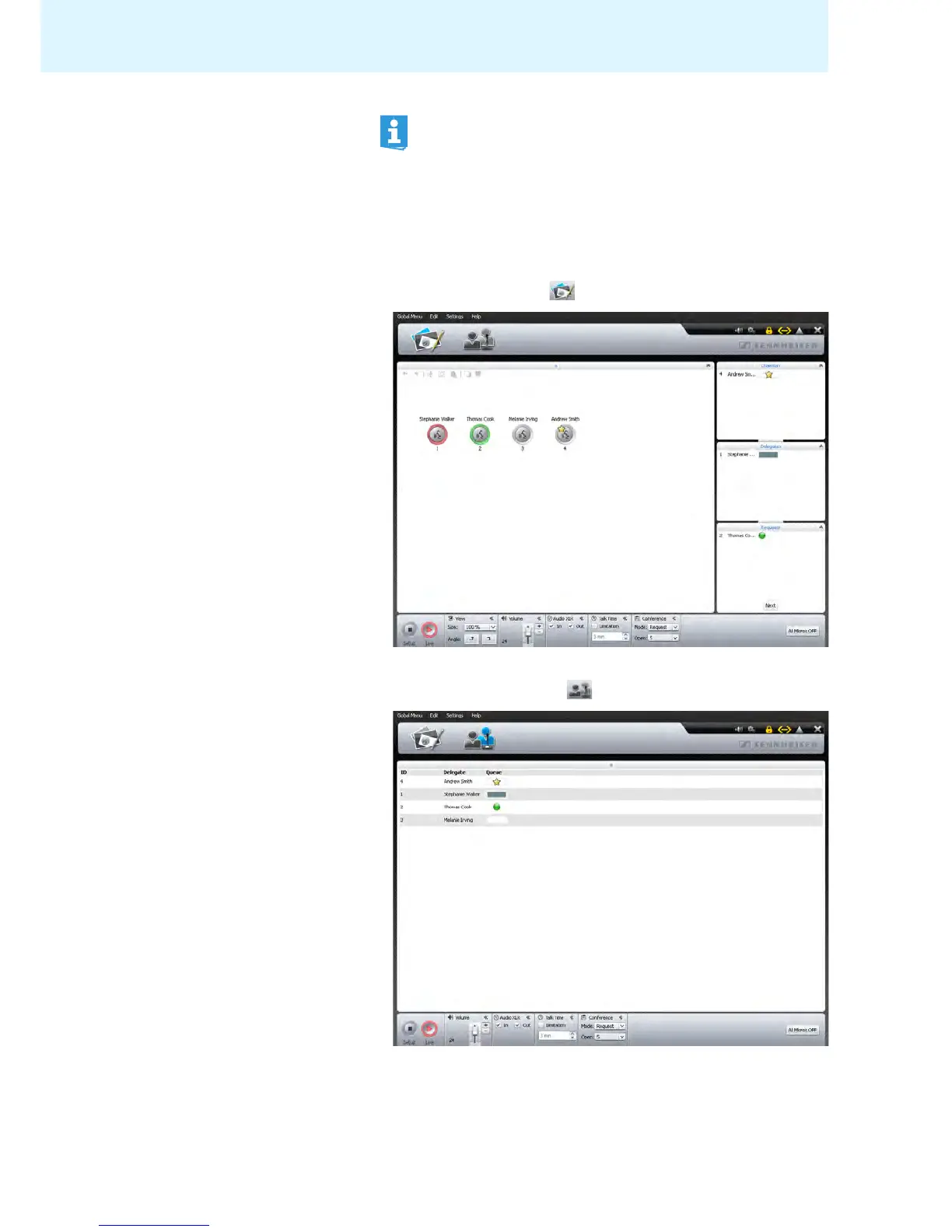
To open the Room View window in
“Live” operating mode:
왘 Click the Room View button .
To open the Delegate View window in “Live” operating mode:
왘 Click the Delegate View button .
It is vital to observe the information provided in the chapter “Saving a
configuration” on page 69.



 To Next Page