97
Using the “Conference Manager” software
Using the software for controlling a
running conference
If you want to use the software for controlling a running conference:
왘 Load the configuration of a runni
ng conference (see page 68).
The software switches to “Live” operating mode. All active conference units
remain active and all requests to speak are retained.
Monitoring a conference
You can monitor a conference from the screen without intervening.
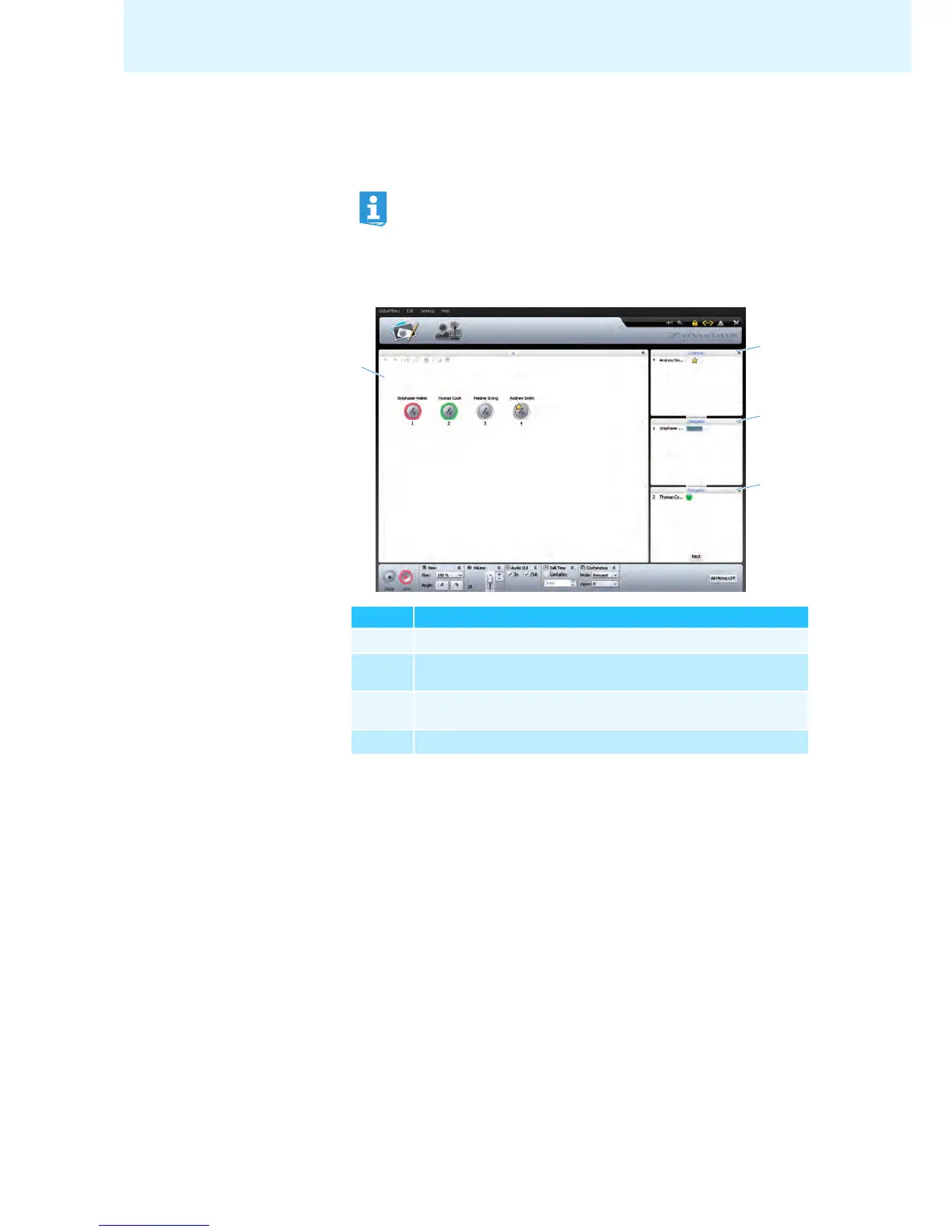
Monitoring a conference using the
Room View window
If you have activated automatic loading of a configuration, the configu-
ration is automatically loaded in “Live” operating mode (see page 69).
Element Function/Meaning
Permanent list of chairman units, sorted by “ID” number
Delegate units with speaking privileges, sorted by chronological
order of registration
Delegate units that have made a request to speak, sorted by
chronological order of registration
Canvas with initialized conference unit icons
a
d
b
c



 To Next Page