74
LOCK
Loc
Activating/deactivating the lock-mode function
You can lock the !/" buttons and the ON/OFF button to prevent accidental
programming or switching off during operation.
Activating the lock-mode function
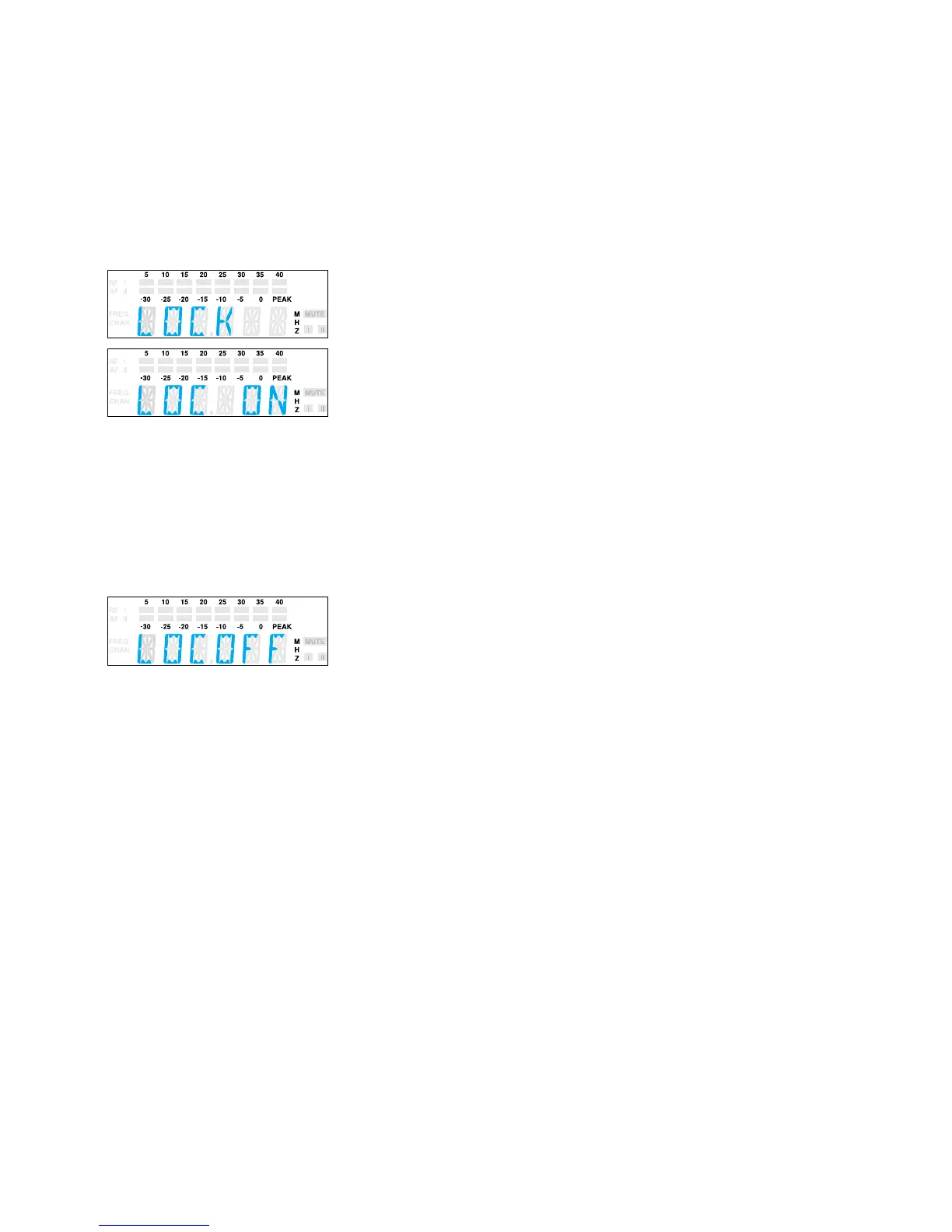
! Select the “LOCK” menu by pressing the SET button. The current setting
is indicated on the display.
! Press the ! button to activate the lock-mode function. “LOC ON” starts
flashing on the display.
! Press the SET button to return to the top menu level.
Note:
If you press the !/" buttons or the ON/OFF button, “LOCK” appears
on the display and the buttons are now locked.
Deactivating the lock-mode function
! Select the “LOCK” menu by pressing the SET button. “LOC ON” appears
on the display.
! Press the " button to deactivate the lock-mode function. “LOC OFF”
begins to flash on the display.
! Press the SET button to return to the top menu level. The display
switches back to the standard display and the buttons can now be
operated as usual.



 To Next Page