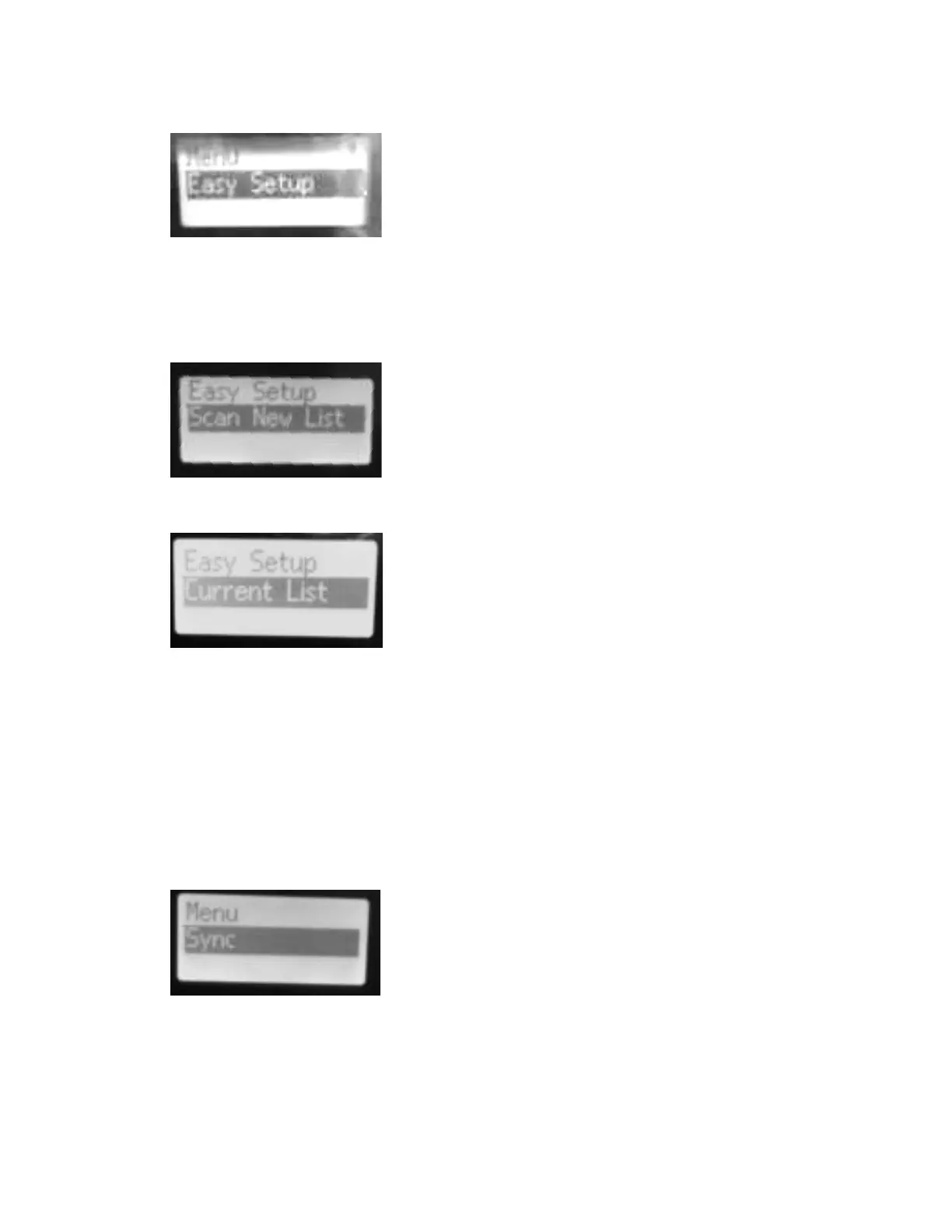
3. Press SET, then use the up or down arrow to find Easy Setup. Use the SET button again
to select Easy Setup.
4. Under Easy Setup use the up or down arrow to find Scan New List, then use the SET
button again to select Scan New List. The receiver takes about a minute to work across
its range, identifying frequencies that would give you poor results and temporarily
programming them out of the frequencies available. This is a seriously useful feature.
5. Scroll to Current List and press SET again.
6. The receiver groups currently available frequencies into banks. Scroll up and down
through the 20 banks on this receiver and choose one. The receiver will choose the first
available frequency in that bank for you.
7. Now turn on the wireless transmitter you want to tune to this receiver.
8. On the receiver, use the SET button and up or down arrow button to navigate to the
menu item called SYNC and press to select it. The display will show “SYNC” with a large
target icon next to it.
9. Pick up the transmitter and receiver. Look for two clear circles next to the on/off
button--these are each unit’s infrared sensors. Point the transmitter and receiver’s
infrared sensors at each other about four inches apart.
10. Three things will indicate when the receiver has tuned the transmitter to its frequency:
the target icon next to “SYNC” will briefly turn to a check mark, the receiver’s RF sensor
9/18/2018 rev. 10/11/2024 p. 4











 To Next Page