EasyManua.ls Logo

Sennheiser HD 4.50BTNC, HD 4.50R - User Manual

Sennheiser HD 4.50BTNC, HD 4.50R
36 pages
Print Icon
To Next Page IconTo Next Page
Loading...
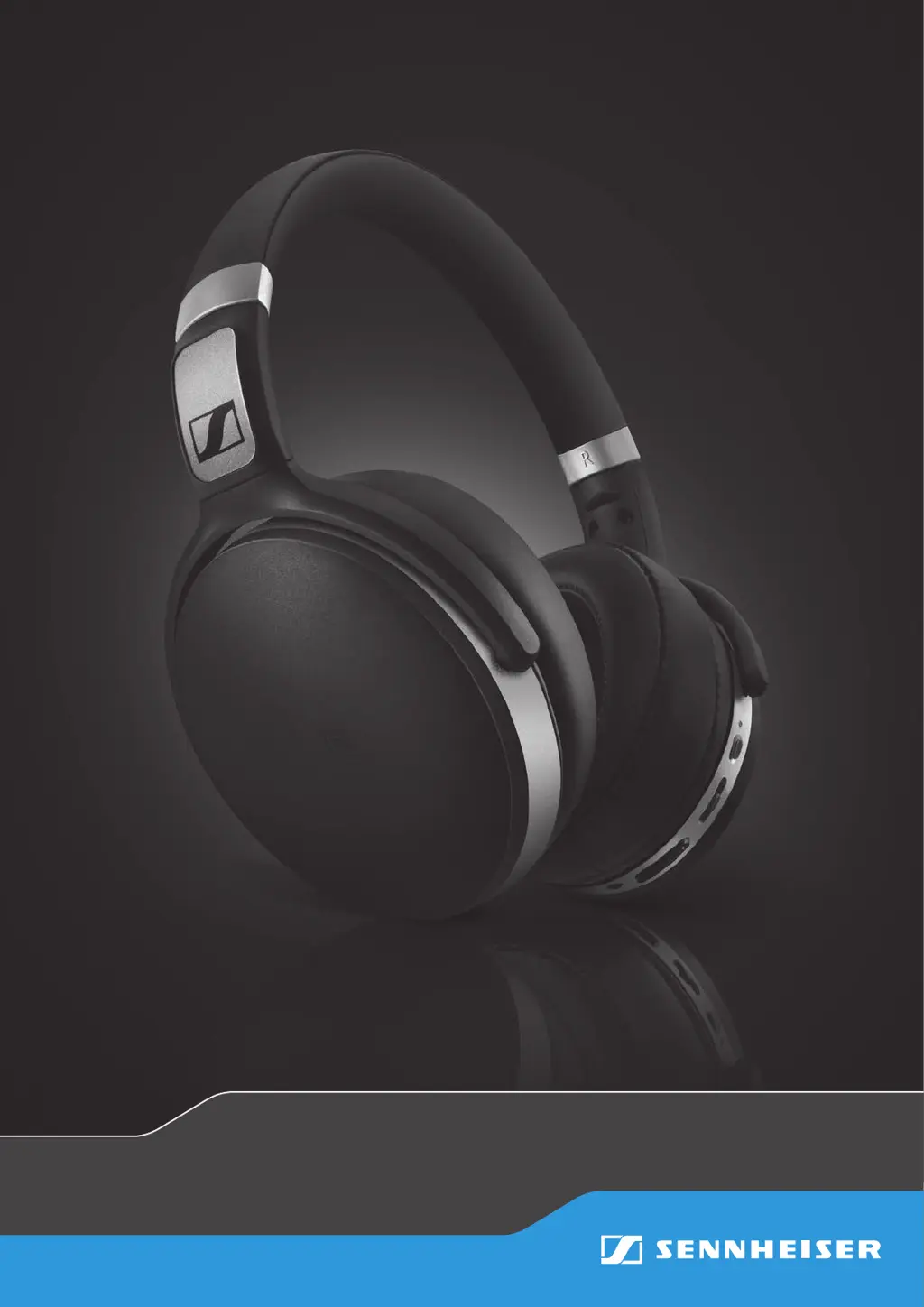
HD 4.50BTNC
HD 4.50R
SCBT7
Instruction manual
Wireless headphones

Questions and Answers

Summary

Important Safety Instructions

Health and Accident Prevention

Guidance on protecting hearing from high volumes and avoiding interference with medical devices.

Product and Malfunction Prevention

Instructions on keeping the product dry, avoiding extreme temperatures, and using proper cleaning methods.

Intended Use and Liability

Details the designed use of wireless headphones and Sennheiser's liability limitations.

Lithium-Polymer Battery Safety

Warnings and guidelines for handling and charging the built-in rechargeable battery pack.

Product Overview

Key Product Features

Lists core features like Bluetooth, NoiseGard, NFC pairing, and battery life for the headphones.

Bluetooth, NFC, and aptX Technologies

Explains Bluetooth compliance, NFC pairing, and aptX audio quality for wireless connectivity.

NoiseGard Active Noise Cancellation

Details the active noise cancellation technology based on 'anti-sound' for ambient noise reduction.

Package Contents

Included Accessories and Guides

Lists items included in the package: headphones, carry case, audio cable, USB cable, quick and safety guides.

Component Identification

Headphone Parts Diagram

Diagram identifying key parts of the headphones: Headband, Ear pads, Ear cups, NFC panel, LED.

Button and LED Pictogram Meanings

Explains pictograms used for button presses and LED indicators in the manual.

Detailed LED Indicators

Details LED indicators for various states like lighting up, flashing, and time intervals.

Button Functionality

Identifies and describes the functions of the Power button and Multifunction button.

Volume Control Operation

Explains how to use the Volume +/- buttons to adjust the audio volume.

Getting Started

Charging Basics and Procedure

Information on charging time, LED indicators, voice prompts, and recommended charging methods.

Bluetooth Device Pairing

Explains the process of pairing headphones with Bluetooth devices and supported profiles.

NFC Pairing Method

Instructions for pairing using NFC, including activating NFC and scanning the device.

Bluetooth Pairing Steps

Detailed steps for pairing via Bluetooth, including activating Bluetooth and selecting the device.

Disconnecting from Bluetooth

How to disconnect headphones by deactivating Bluetooth on the smartphone.

Headband Adjustment for Comfort

Guide on adjusting the headband for optimal comfort and sound quality.

Using the Headphones

Powering On and Off

Instructions on how to power on and off the headphones, including voice prompts and LED indicators.

Volume Adjustment Guide

How to increase or decrease volume using the Volume +/- buttons, with audio feedback.

NoiseGard Activation

Explains how to activate/deactivate NoiseGard via Bluetooth or audio cable.

Playing Music

Wireless Music Playback

How to play music wirelessly using aptX® or standard audio quality.

Music Playback Controls

Functions for playing/pausing, next/previous track, and fast-forwarding/rewinding music.

Making and Managing Calls

Initiating Phone Calls

Instructions on how to dial numbers and ensure calls are routed to the headphones.

Answering, Rejecting, and Ending Calls

How to answer, reject, hold, or toggle calls using the multifunction button.

Call Transfer Between Devices

Procedure to transfer an established call between headphones and smartphone.

Redialing and Cancelling

How to redial the last number called or cancel redialing using the multifunction button.

Voice Control for Calls

Instructions on activating voice control for making calls via smartphone command.

Using the Audio Cable

Audio Cable Functionality

Guide on using the audio cable for listening when battery is low or Bluetooth is restricted.

Connecting the Audio Cable

Steps to connect the audio cable to the headphones and the audio output.

Care and Maintenance

Ear Pad Replacement Procedure

Instructions on how to remove and attach ear pads for hygiene purposes.

Important Product Cautions

Important warnings regarding liquid damage, solvents, and cleaning agents for product care.

Storage and Handling Guidelines

Advice on folding and storing headphones in the carry case to prevent damage.

Rechargeable Battery Information

Information on battery replacement by authorized service centers and outside warranty.

Troubleshooting Common Issues

Power and Audio Problems

Troubleshoots issues with the headphones not powering on and problems with no audio signal.

Connection and Pairing Issues

Solves connection issues by checking Bluetooth status, pairing, and device compatibility.

Button and Pairing Mode Solutions

Addresses unresponsiveness and pairing mode issues by suggesting restarts and manual pairing.

Bluetooth Range and Device Management

Explains Bluetooth range effects and how to clear paired devices and reconnect.

Product Specifications

Detailed Technical Specifications

Lists technical specifications like ear coupling, frequency response, sensitivity, weight, and connectivity.

Trademarks and Copyright

Intellectual Property Acknowledgements

Lists trademarks and registered trademarks for Sennheiser, Bluetooth, NFC, and aptX.

Sennheiser HD 4.50BTNC, HD 4.50R Specifications

General IconGeneral
TypeOver-ear
ConnectivityWireless, Wired
WirelessYes
Bluetooth Version4.0
Bluetooth ProfilesA2DP, AVRCP, HSP, HFP
CodecSBC, aptX
Active Noise Cancellation (ANC)Yes
Impedance18 Ω
Battery Life (ANC on)19 hours
Battery Life (ANC off)25 hours
Charging Time2 hours
Weight238 g
MicrophoneYes
FoldableYes
Cable Length1.2 m
Connector3.5 mm
NFCYes
THD< 0.5%
Frequency Response18 - 22000 Hz
Sound Pressure Level (SPL)113 dB

Related product manuals