EasyManua.ls Logo

Sennheiser HD 4.50BTNC - User Manual

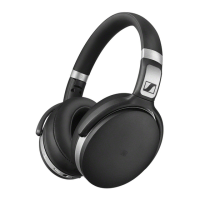
Sennheiser HD 4.50BTNC
37 pages
Print Icon
To Next Page IconTo Next Page
Loading...
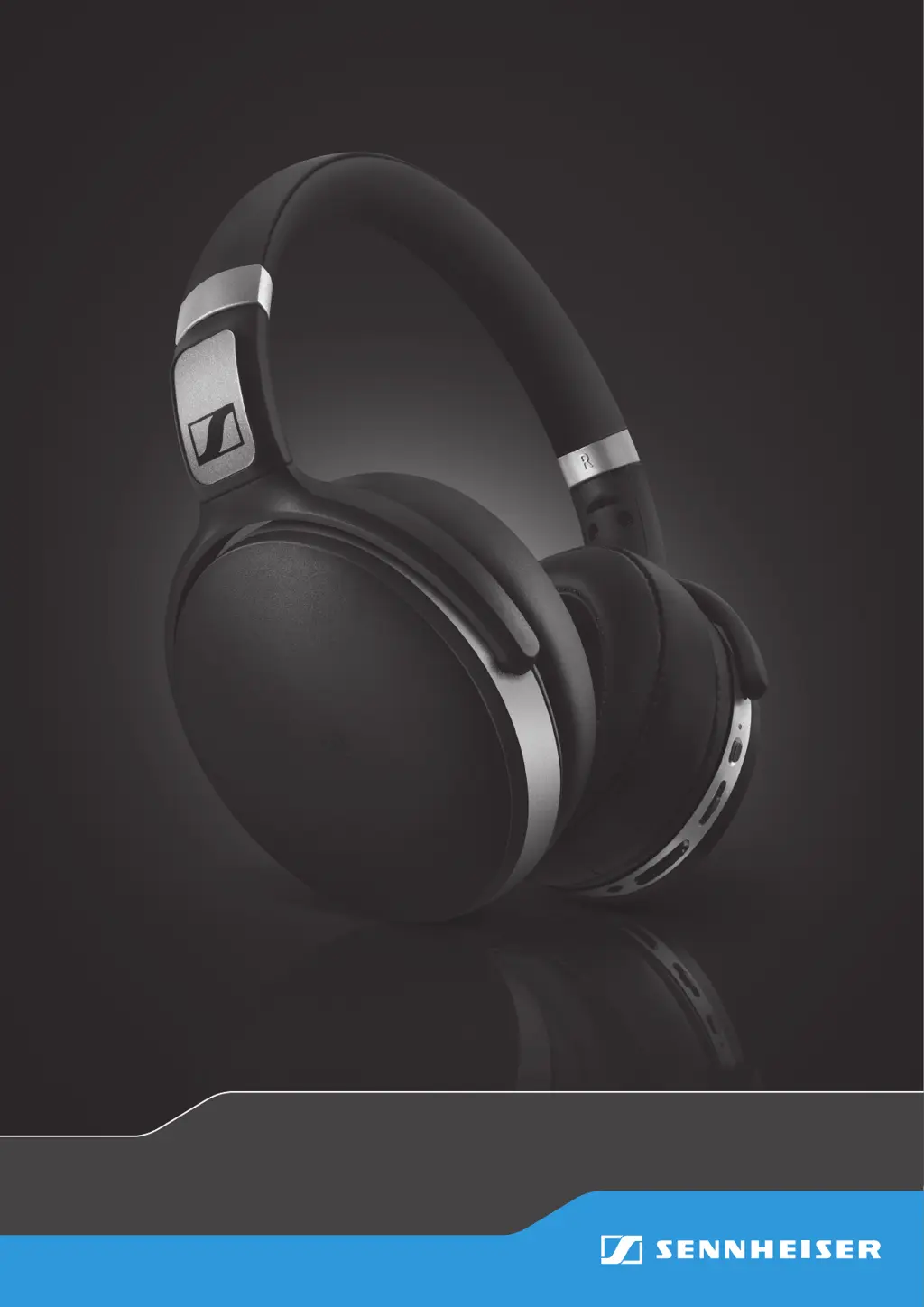
HD 4.50BTNC
wireless headphones
Instruction Manual
SCBT7

Other manuals for Sennheiser HD 4.50BTNC

Questions and Answers

  • A
    Amy JonesJul 27, 2025
    Why Sennheiser Wireless Headphones cannot connect?
    • C
      Christina BurnsJul 27, 2025
      If your Sennheiser Wireless Headphones are failing to connect, the issue might stem from the Bluetooth connection. Check that your smartphone supports the HFP or HSP Bluetooth profile. Ensure that your smartphone is switched on and that Bluetooth is activated in your smartphone's settings.
  • T
    tanthonyAug 3, 2025
    How to put Sennheiser Wireless Headphones in pairing mode?
    • R
      Richard MontoyaAug 3, 2025
      If your Sennheiser Wireless Headphones aren't automatically entering pairing mode, it might be because they remember a previous connection. To resolve this, switch the headphones off, then press and hold the power button for 4 seconds to initiate pairing mode.
  • J
    joshuamartinezAug 8, 2025
    What to do if Sennheiser HD 4.50BTNC Wireless Headphones have no audio signal?
    • R
      Richard SmithAug 8, 2025
      If your Sennheiser Wireless Headphones aren't producing sound, there could be a few reasons. First, ensure that the headphones are properly paired with your device; if not, re-pair them. Also, check that the volume isn't set too low and increase it. Finally, make sure your headphones are switched on.
  • N
    Nathan Cooper MDAug 14, 2025
    How to fix Sennheiser HD 4.50BTNC that won't switch on?
    • M
      Maurice GarciaAug 15, 2025
      If your Sennheiser Wireless Headphones won't turn on, the battery might be the issue. Try charging the headphones. If charging doesn't help, the battery may be completely exhausted or worn out, in which case you should visit an authorized Sennheiser service center for a battery replacement.
  • B
    Bonnie RodriguezAug 20, 2025
    What to do if Sennheiser Wireless Headphones do not respond to any button press?
    • R
      reedgaryAug 20, 2025
      If your Sennheiser Wireless Headphones aren't responding when you press any buttons, it could be due to a temporary malfunction. Try restarting the headphones by switching them off and then on again.

Sennheiser HD 4.50BTNC Specifications

General IconGeneral
Impedance18 Ω
Ear couplingCircumaural
Headphone frequency18 - 22000 Hz
Headphone sensitivity113 dB
Total Harmonic Distortion (THD)0.5 %
Microphone typeBuilt-in
Microphone frequency100 - 10000 Hz
Microphone direction typeOmnidirectional
Cables includedAudio (3.5mm), Micro-USB
Quick start guideYes
Headset typeBinaural
Product typeHeadset
Product colorBlack, Silver
Wearing styleHead-band
Volume controlDigital
Recommended usageCalls/Music
Bluetooth profilesAPT-X
Connectivity technologyWired & Wireless
Headset connectors supported3.5mm stereo
Brand compatibilityAny brand
Number of products included1 pc(s)

Related product manuals