MB 660 | 11
Product overview
Sample screen Functions
Sound adjustments
• Equalizer
• Presets
• SoundCheck
• Select and configure sound effect modes
Profiles
• Customize profile settings
• One-click reload of previously configured
playlists and sound settings tailored for
specific applications such as sports
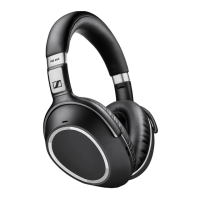
While the MB 660 is optimized for use with CapTune, you can still play
content from other music players/streaming apps as usual. If you use
other music players or apps, CapTune simply turns into a sound setting
and remote control for the MB 660 wireless headset.
Overview of Audio Prompts
By factory default, voice prompts are activated in English.
With CapTune, you can use voice and/or tones as response prompts when
performing an action. If voice prompts are activated, you can replace the default
language with any of the following supported languages:
– German
– French
– Spanish
– Chinese (Mandarin)
– Japanese
– Russian
– Korean





 To Next Page