18 | MB 660
Using the MB 660
Using the MB 660
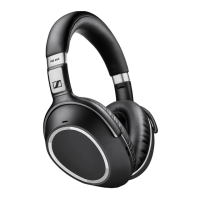
Switching the MB 660 on
WARNING
Danger due to high volume levels!
Listening at high volume levels for long periods of time can lead to
permanent hearing defects.
X Before putting the MB 660 wireless headset on, set the volume
to a low level.
X Do not continuously expose yourself to high volume levels.
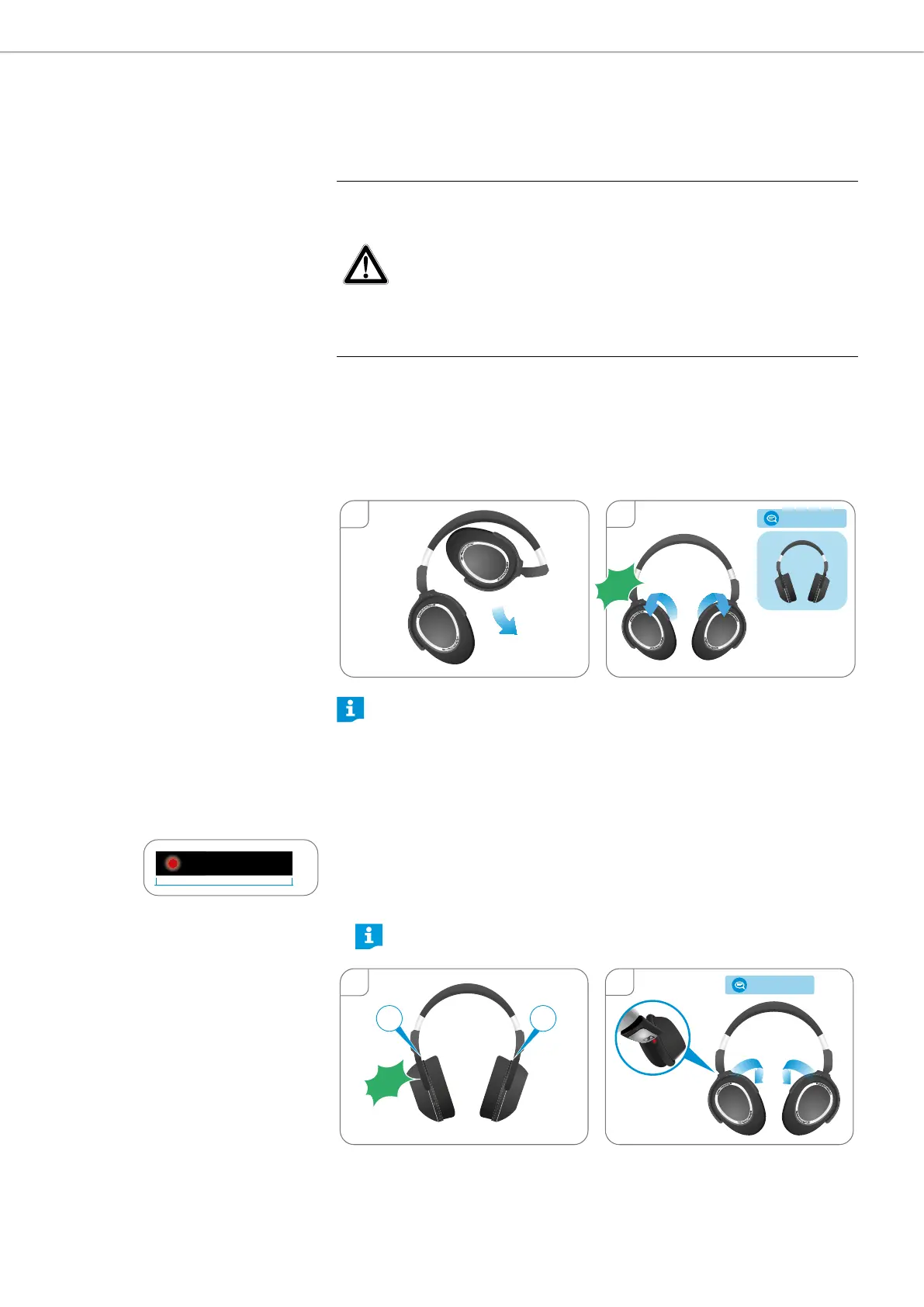
1. Unfold the ear cups away from the headband.
2. Twist the ear cups outward until you hear a click sound from both hinges.
– If Bluetooth is activated on the headset, you hear the voice prompts
“power on” and “phone x connected” after a few seconds.
– If Bluetooth is deactivated on the headset, you hear the voice prompt
“power on”. Insert the USB or audio cable if necessary.
2
1
› power on ‹
Click!
If Bluetooth is activated and the headset cannot find a paired device within
a few minutes, you hear the voice prompt “no device found”. The first LED
flashes white.
Switching the MB 660 off
1. Hold the headset so that the left hand holds the right ear cup and the right
hand holds the left ear cup.
2. Twist the ear cups inward until you hear a click sound from both hinges and
the touch pad faces toward you.
You hear the voice prompt “power off” after a few seconds. The first LED
flashes red 3 times.
The red dot displayed on the hinge of the right ear cup also indicates
that the headset is switched off.
2
1
R L
› power off ‹
Click!
3x
0.55s







 To Next Page