MB 660 | 17
Getting started
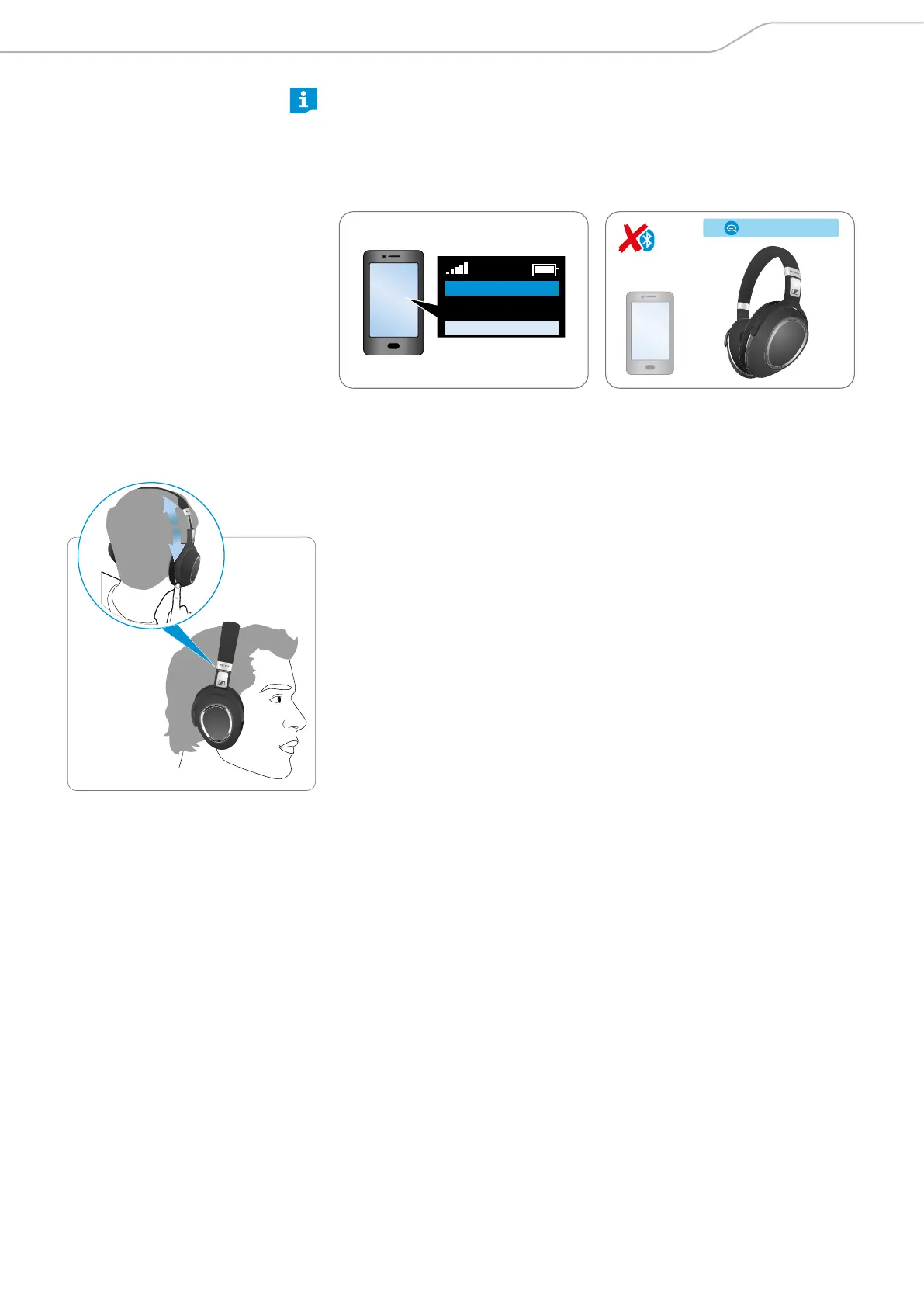
Disconnecting the headset from your Bluetooth device
X Deactivate Bluetooth on your smartphone.
The headset is disconnected from the smartphone, and you hear the voice
prompt “phone x disconnected”. The headset then searches for previously
paired devices. If no device is found, you hear the voice prompt “no device
found” after a few minutes.
› disconnected ‹
Menu
Bluetooth on
Bluetooth o
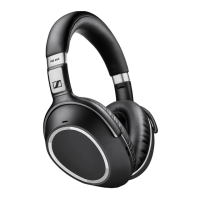
Adjusting the headband
For good sound quality and best possible wearing comfort, you can adjust the
ear pad location on the headband to properly match the size of your head.
X Wear the headset so that the headband runs over the top of your head.
X Adjust the location of the ear pads by moving the ear cups up and down the
headband slider until:
– your ears are comfortably covered by the ear pads,
– you feel even, gentle pressure around your ears,
– a snug fit of the headband on the head is ensured.





 To Next Page