5
Putting the microphone into operation
Connecting the microphone
Connection data of the MKH 8020:
y 48 V (+/- 4 V) phantom powering (as per DIN 45596)
y XLR-3
y balanced
y 25 Ω impedance
y 1000 Ω min. terminating impedance
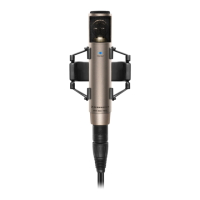
왘 Use a microphone cable with XLR-3 connector to connect the
microphone to the sound recording device. The sound
recording device must provide 48 V phantom powering.
Attaching the microphone using the microphone clip
왘 Select the suitable mounting thread:
– Without thread insert: 5/8" thread
– Thread insert: 3/8" thread
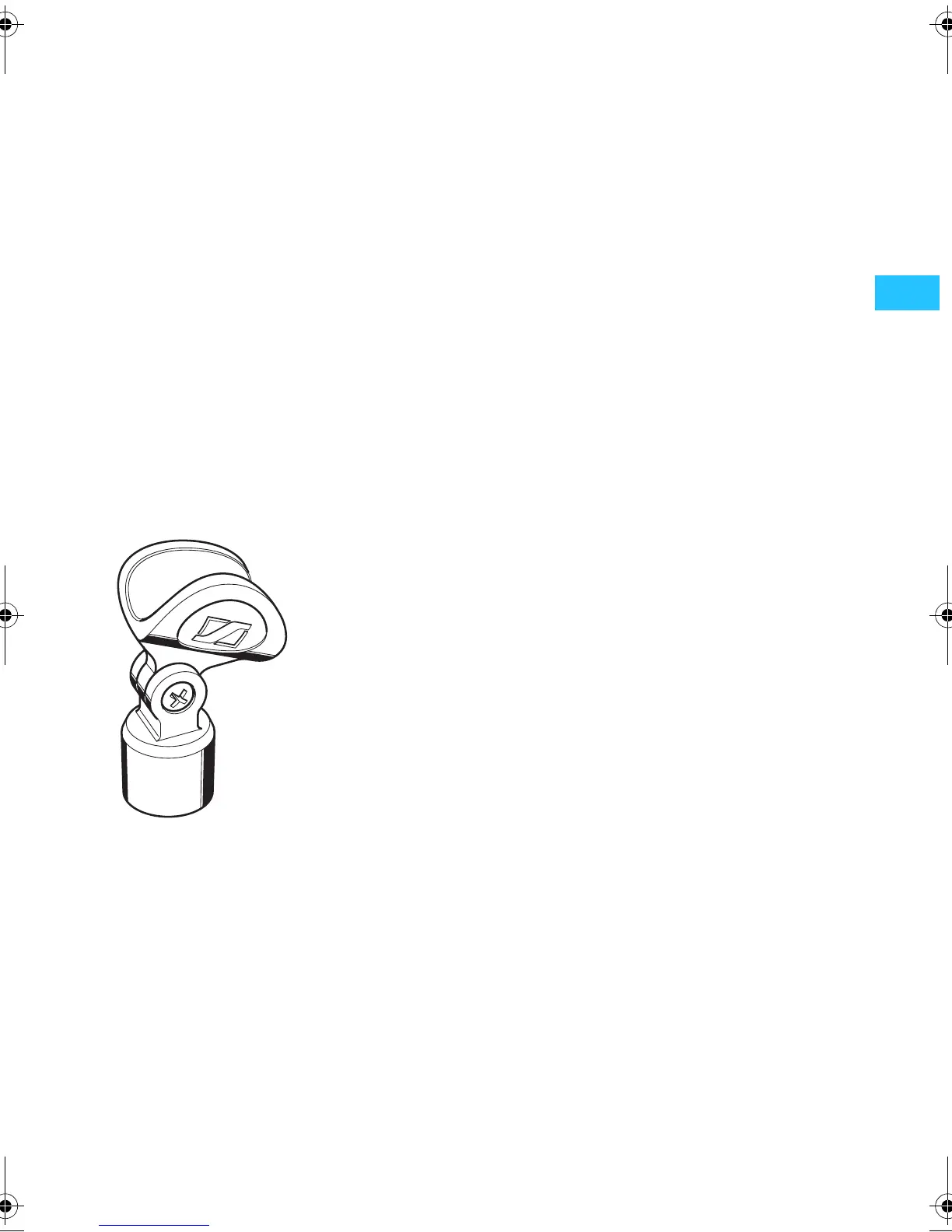
왘 Screw the microphone clip 쐏 to a floor or table stand.
왘 Place the microphone into the microphone clip.
Using the windshield
왘 Slide on the wind shield 쐃 to minimize wind noise.
The wind shield changes the sound only slightly, but
attenuates wind noise by approx. 30 dB.
MKH8020_515894_0607_SP6.book Seite 5 Montag, 23. Juli 2007 10:09 10





 To Next Page