EasyManua.ls Logo

Sennheiser MX W1 - User Manual

Sennheiser MX W1
29 pages
Print Icon
To Next Page IconTo Next Page
Loading...
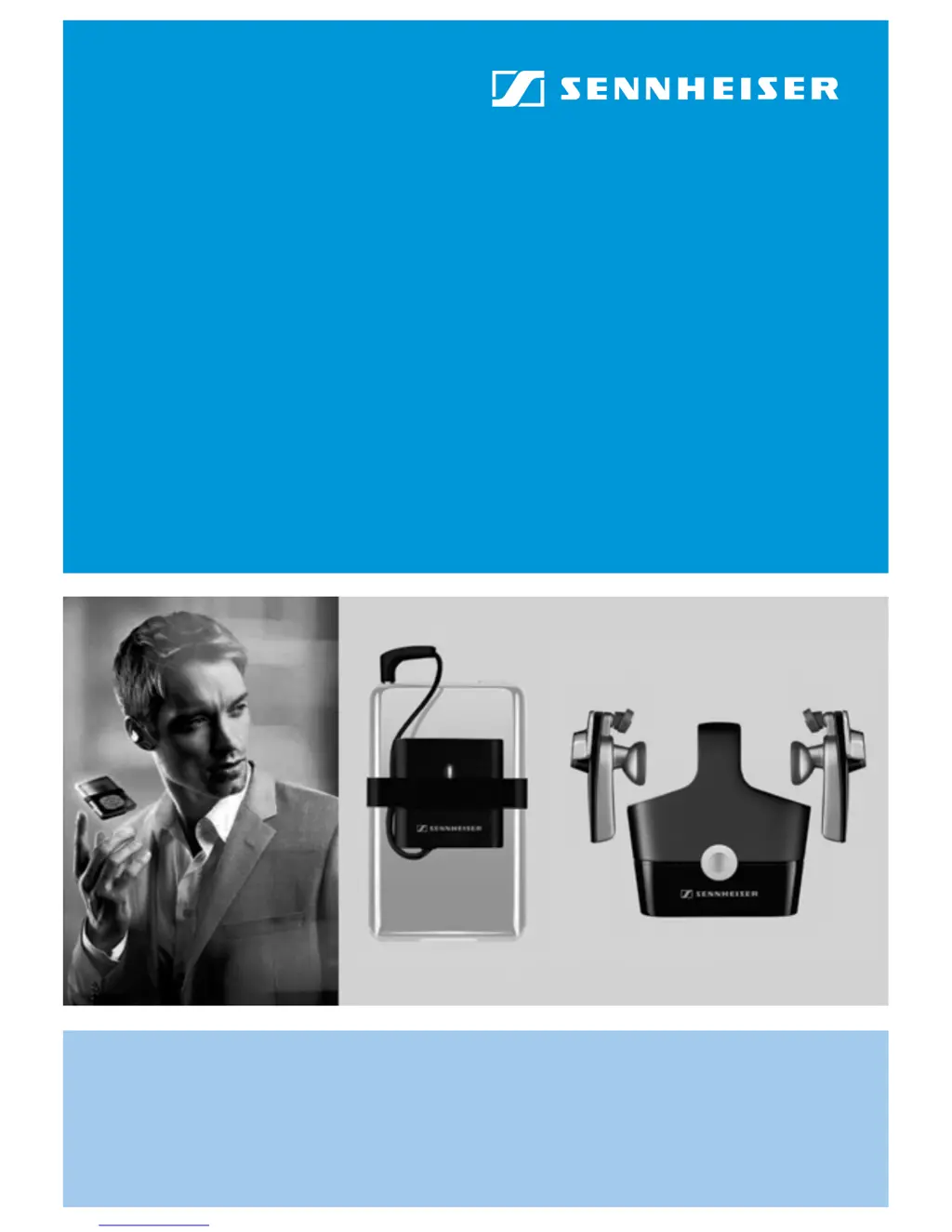
MX W1
digital wireless system
Instruction manual

Other manuals for Sennheiser MX W1

Questions and Answers

  • J
    julia33Aug 10, 2025
    Why is there no sound coming from my Sennheiser Headphone?
    • A
      Ann LynnAug 10, 2025
      If your Sennheiser Headphones have no sound, several factors could be the cause. First, ensure the jack plug is correctly connected to your audio device. Second, verify that both the transmitter and earphones are switched on. Third, check that your audio device is also powered on and the volume isn't set too low. Fourth, remove any obstructions between the transmitter and earphones that might be blocking the signal. Finally, if there are interferences in the vicinity, briefly press the operation/pairing button on the transmitter.
  • K
    Kevin CruzAug 16, 2025
    What to do if my Sennheiser MX W1 has sound dropouts?
    • A
      Adrian SimpsonAug 16, 2025
      Sound dropouts in your Sennheiser Headphone can occur due to several reasons. You might be too far from the transmitter; try reducing the distance between the earphones and the transmitter. Obstacles might be shielding the signal, so remove any obstructions. Also, nearby interfering devices can cause dropouts; try relocating to avoid these interferences.
  • T
    turnerjeffreyAug 22, 2025
    How to fix a Sennheiser MX W1 Headphone with no operation indication?
    • T
      Tiffany HicksAug 22, 2025
      If your Sennheiser Headphone shows no operation indication, it is likely that the battery is flat. To resolve this, recharge the battery.
  • S
    scarrollAug 27, 2025
    What to do if only one earphone of my Sennheiser MX W1 Headphone works?
    • M
      Melissa SmithAug 27, 2025
      If only one earphone of your Sennheiser Headphone has audio, it might be because the transmitter was switched on before the earphones. Briefly press the transmitter’s operation/pairing button to fix this.
  • M
    Michael JacksonSep 3, 2025
    Why is my Sennheiser Headphone making a humming noise?
    • V
      vrhodesSep 3, 2025
      A humming noise in your Sennheiser Headphone can be caused by interference when charging from a PC. Try charging from the power supply unit or choose a different audio source to resolve this issue.

Summary

Sennheiser MX W1 Safety and Introduction

Essential Safety Precautions

Critical safety guidelines for device operation, battery handling, and intended use.

Product Overview and Package Contents

Introduces the digital wireless earphone system and lists all included components.

Setting Up and Using the MX W1 System

Device Charging and LED Indicators

Guide to charging the system components and understanding LED status lights.

Wireless Pairing and Connectivity

Steps for pairing earphones to the transmitter and connecting to other devices.

Transmitter Connection and Earphone Fit

How to connect the transmitter, adjust earphone fit, and wear the earphones correctly.

System Power Management

Instructions for turning the earphones and transmitter on and off.

MX W1 Maintenance, Troubleshooting, and Specs

Device Care and Battery Management

Cleaning procedures, accessory replacement, and earphone battery replacement.

Performance Optimization and Troubleshooting

Tips for maximizing performance, solving common issues, and factory reset.

Technical Specifications and Compliance

Information on spare parts, technical specs, warranty, and regulatory compliance statements.

Sennheiser MX W1 Specifications

General IconGeneral
BrandSennheiser
ModelMX W1
CategoryHeadphone
LanguageEnglish

Related product manuals