EasyManua.ls Logo

Sennheiser PXC 550 - User Manual

Sennheiser PXC 550
54 pages
Print Icon
To Next Page IconTo Next Page
Loading...
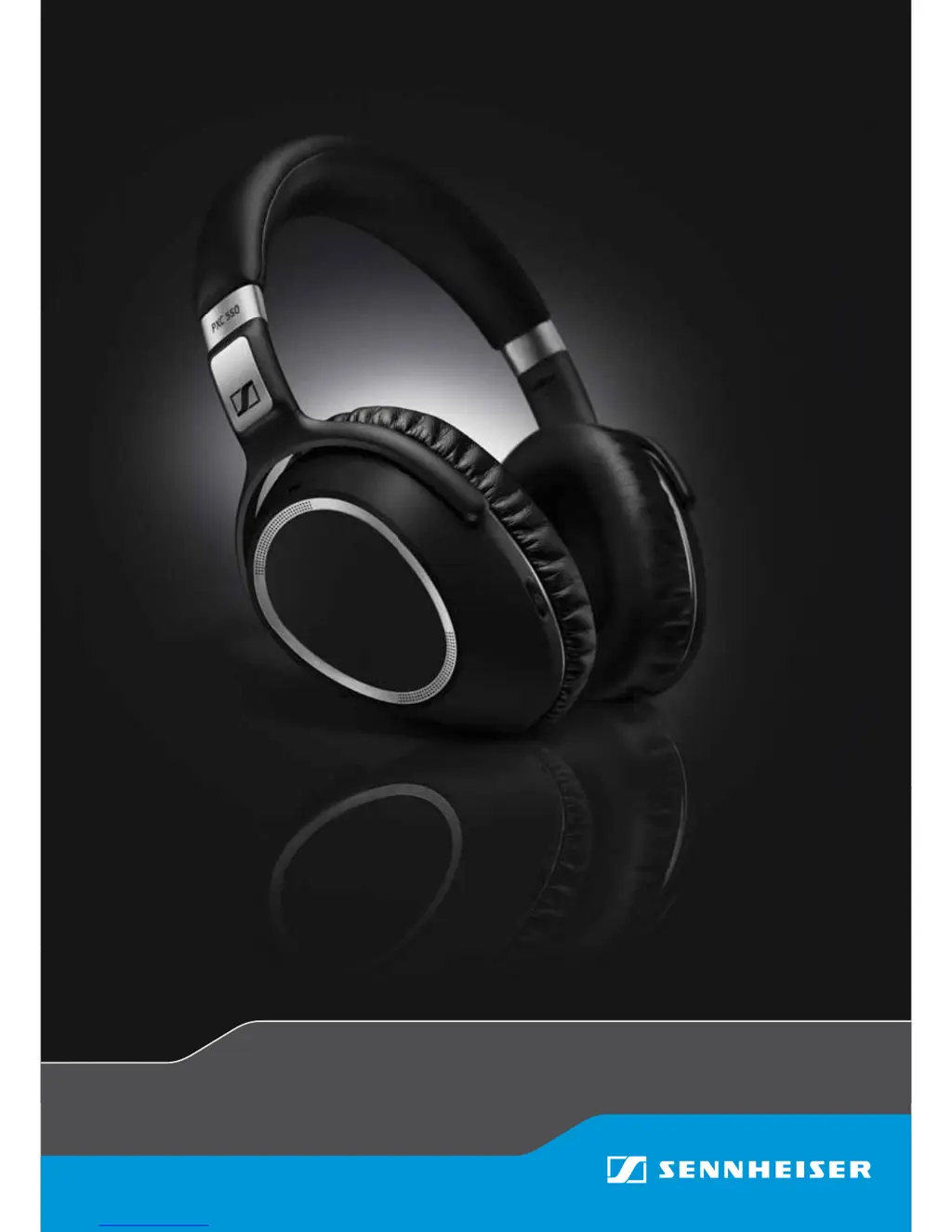
PXC 550
Wireless headphones
Instruction Manual

Other manuals for Sennheiser PXC 550

Questions and Answers

  • H
    Heather WilliamsonSep 8, 2025
    How to fix Sennheiser PXC 550 Headphone Smart Pause gestures not working?
    • S
      Stephanie ElliottSep 9, 2025
      If your Sennheiser Headphones aren't responding to Smart Pause gestures, it's probably because Smart Pause is deactivated by default. You'll need to activate Smart Pause in CapTune.
  • J
    jcruzSep 12, 2025
    Why Sennheiser Headphones do not attenuate ambient noise with NoiseGard on?
    • E
      Edward AlvaradoSep 12, 2025
      If your Sennheiser Headphones aren't reducing ambient noise even with NoiseGard activated, it might be because the ear pads aren't properly attached after replacement or removal. Ensure that the ear pads are securely hooked to all corners of the ear cups.
  • A
    Andrew WrightSep 13, 2025
    Why Sennheiser PXC 550 Headphone LED flashes red 3 times during connection?
    • A
      anthony19Sep 13, 2025
      If the LED on your Sennheiser Headphones flashes red 3 times during connection, it indicates that the connection is not established. Make sure that the distance between the headphones and the device is less than 3 cm and that Bluetooth is active on both the headphones and the device.
  • S
    Sara VangSep 14, 2025
    How to enable operational voice prompts on Sennheiser Headphone?
    • A
      alexthompsonSep 15, 2025
      If you can’t hear the operational voice prompts on your Sennheiser Headphones, it's likely that the voice prompt feature has been deactivated from the Sennheiser CapTune app. To fix this, activate the voice prompt option within the Sennheiser CapTune app.
  • V
    Vicki MartinezSep 16, 2025
    How to fix Sennheiser Headphone that do not respond to Smart Pause gestures?
    • A
      Adam MillerSep 17, 2025
      If your Sennheiser Headphones aren't responding to Smart Pause gestures, it's because Smart Pause is deactivated by factory default. You can activate Smart Pause from the Sennheiser CapTune app.

Summary

Getting Started

Initial Charging Process

Guides on how to charge the headphones for the first time.

Bluetooth and NFC Pairing

Instructions for connecting headphones to Bluetooth or NFC-enabled devices.

Using the Headphones

Powering On and Off

Procedures for turning the headphones on and off.

Feature Management

Controls for Bluetooth, NoiseGard ANC, TalkThrough, and sound effects.

Listening to Music

Music Playback Sources

Instructions for listening to music wirelessly via Bluetooth or USB.

Call Management

Procedures for answering, rejecting, ending, and transferring calls.

Troubleshooting Common Issues

Power and Connection Issues

Solutions for problems with switching on, pairing, and device connection.

Sennheiser PXC 550 Specifications

General IconGeneral
Impedance490 Ω
Driver typeDynamic
Ear couplingCircumaural
Headphone frequency17 - 23000 Hz
Headphone sensitivity110 dB
Total Harmonic Distortion (THD)0.5 %
Battery recharge time3 h
BluetoothYes
Bluetooth version4.2
Connectivity technologyWired & Wireless
Headset typeBinaural
Product typeHeadset
Product colorBlack, Grey
Wearing styleHead-band
Recommended usageMusic
Microphone typeNot available
Weight and Dimensions IconWeight and Dimensions
Weight227 g

Related product manuals