EasyManua.ls Logo

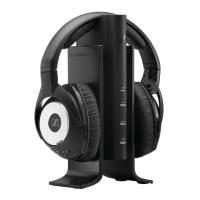
Sennheiser RS 170 - 08-09 - User Manual

Sennheiser RS 170 - 08-09
37 pages
Print Icon
To Next Page IconTo Next Page
Loading...
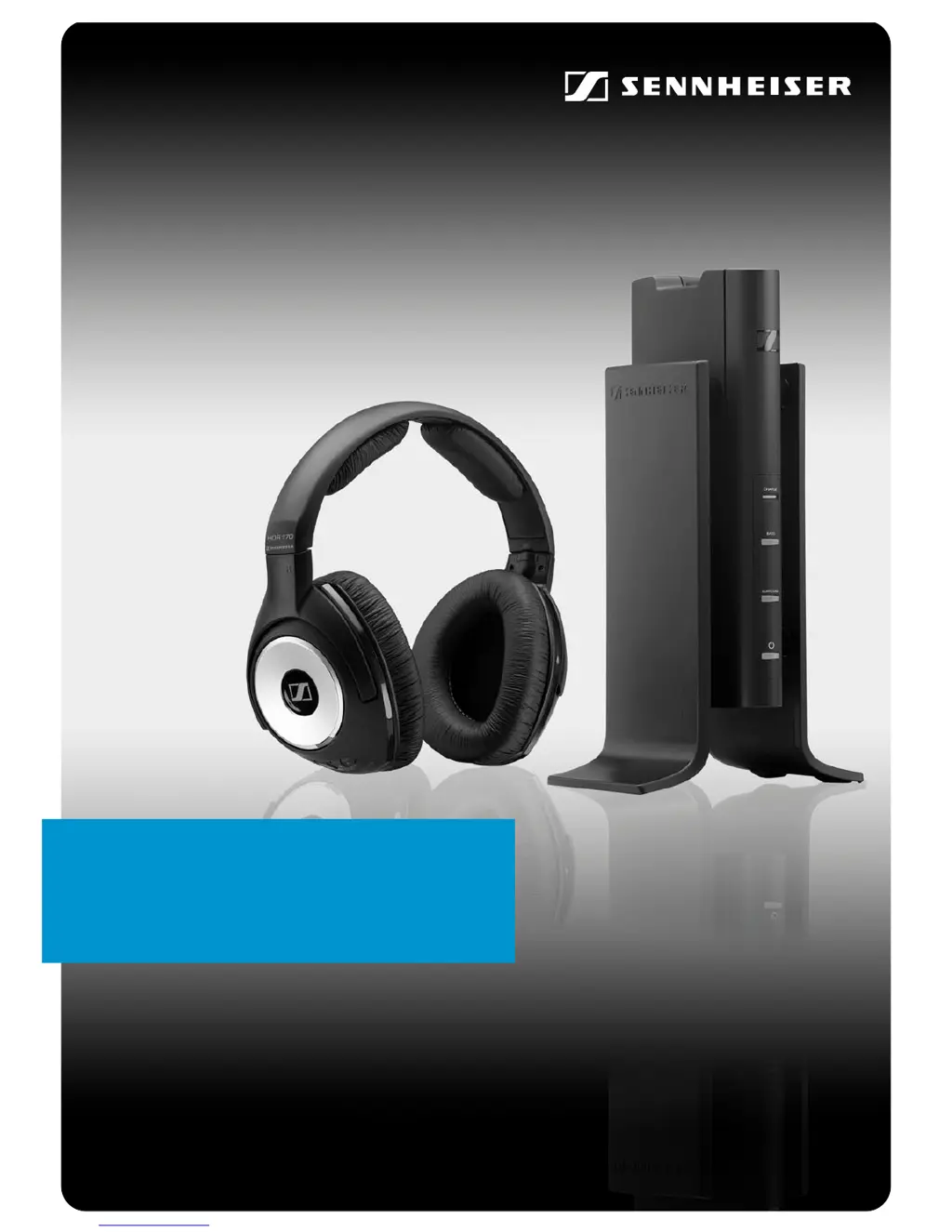
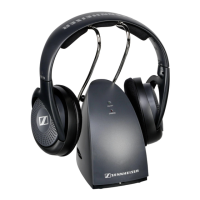
RS 170
Digital Wireless System
Instruction manual

Questions and Answers

  • C
    Christian CamachoJul 31, 2025
    Why do my Sennheiser Headsets have no sound?
    • K
      Kimberly HermanJul 31, 2025
      If your Sennheiser Headsets have no sound, first ensure that the transmitter and headphones are switched on and not muted. Check the jack plug connection and ensure the sound source is also on. A defective audio cable could also be the cause, so try replacing it. If there are interferences, try re-associating the headphones with the transmitter. As additional steps, disconnect the transmitter from the mains and reconnect it, or remove and reinsert the rechargeable batteries in the headphones. Finally, if you're using additional headphones, associate them correctly with the transmitter.
  • P
    Penny LeeAug 7, 2025
    How to increase the sound volume on Sennheiser RS 170 - 08-09?
    • M
      Mario HendersonAug 8, 2025
      If the sound is too low on your Sennheiser Headsets, first increase the volume of the sound source. If the signal from the sound source is weak, set the ATTENUATOR switch to “0 dB”. You can also increase the headphone volume by pressing the VOLUME + button.
  • M
    martinezmichaelAug 14, 2025
    Why do my Sennheiser Headsets only have sound on one ear?
    • C
      craig13Aug 14, 2025
      If you only hear sound in one ear with your Sennheiser Headsets, the audio cable may be defective, and you should replace it. Also, check the plug connection to ensure it is properly connected.
  • L
    Luis WilliamsonAug 21, 2025
    What to do if my Sennheiser RS 170 - 08-09 have occasional sound dropouts?
    • L
      Leah MorganAug 21, 2025
      If you experience occasional sound dropouts with your Sennheiser Headsets, it might be due to the headphones being out of range. Try reducing the distance between the headphones and the transmitter. Obstacles between the transmitter and headphones can also shield the signal, so remove any obstructions. Additionally, interfering devices in the area could be the cause; try changing your position.

Summary

Important safety information

Product overview

Putting the RS 170 into operation

Setting up the transmitter

Guides on choosing a location and organizing cables for the transmitter setup.

Connecting the transmitter to a sound source

Explains how to connect the transmitter to various audio sources like TVs or stereo systems.

Connecting the transmitter to the mains

Details the process of connecting the power supply unit to the transmitter and a wall socket.

Inserting and changing the rechargeable batteries

Instructions for opening the ear cups and replacing batteries in the headphones.

Using the RS 170

If a problem occurs...

Sound problems

Troubleshooting guide for common audio issues like no sound, dropouts, and volume problems.

Other problems

Troubleshooting guide for issues with power, charging, and battery operating time.

Specifications

Sennheiser RS 170 - 08-09 Specifications

General IconGeneral
ConnectivityWireless
THD, total harmonic distortion< 0.5%
Sound pressure level (SPL)106 dB
Power supplyRechargeable battery
ModulationDigital
Transducer PrincipleDynamic
Battery LifeUp to 24 hours
Wireless TechnologyRF
Frequency Response18 Hz - 21 kHz
Operating timeUp to 24 hours
RangeUp to 100 m
Impedance32 Ohm
Included AccessoriesTransmitter, audio cable

Related product manuals