EasyManua.ls Logo

Sennheiser RS 180 - 08-09 - User Manual

Sennheiser RS 180 - 08-09
38 pages
Print Icon
To Next Page IconTo Next Page
Loading...
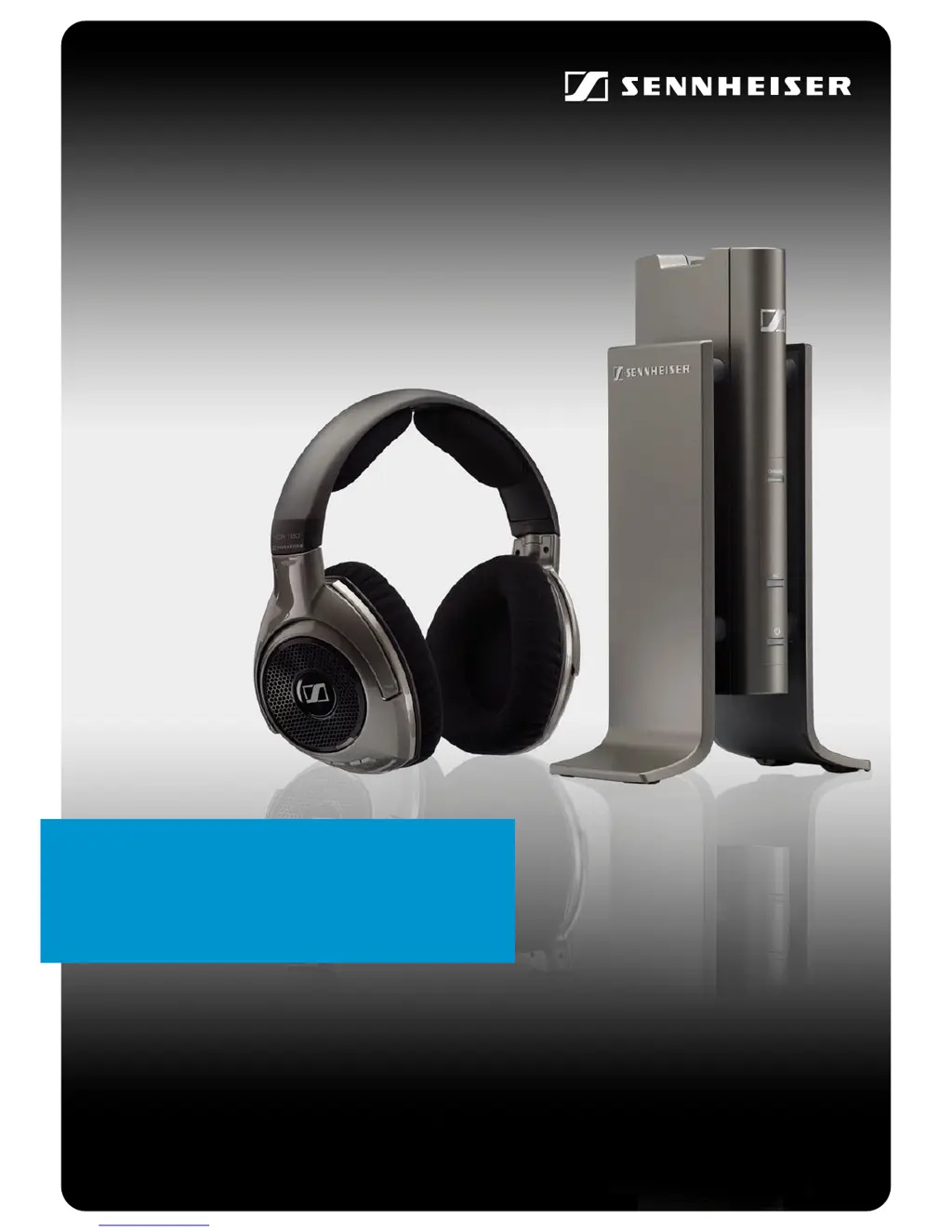
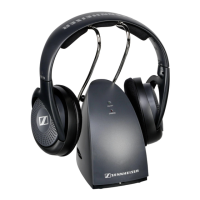
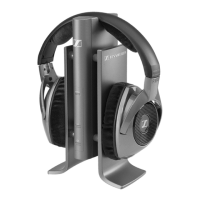
RS 180
Digital Wireless System
Instruction manual

Questions and Answers

Summary

Important safety information

Replacement parts

Use specified parts to avoid hazards like fire or electric shock.

Intended use

Product usage within specified operating conditions and limitations.

NiMH battery safety instructions

Warnings and precautions for handling NiMH rechargeable batteries.

The RS 180 digital RF headphone system

Kleer wireless transmission technology

Details on Kleer's RF-based wireless transmission standard.

Delivery includes

Product overview

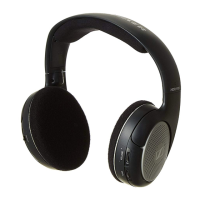
HDR 180 headphones overview

Visual identification of components and controls on the headphones.

TR 180 transmitter overview

Visual identification of components and controls on the transmitter.

Indicators and acoustic signals overview

Explanation of LED indicators and sound signals for operation.

Connection stages overview

Explanation of the pairing and operational modes.

Putting the RS 180 into operation

Setting up the transmitter

Guidance on selecting a location and managing cables for the transmitter.

Connecting transmitter to sound source

Instructions for connecting the transmitter to audio devices via headphone or RCA sockets.

Connecting to headphone socket

Details on connecting to portable and stationary sound sources via headphone jack.

Connecting to RCA sockets

Instructions for connecting to sound sources using RCA output.

Integrating transmitter into existing connections

How to connect the transmitter in a chain with other devices.

Connecting transmitter to mains

Steps for connecting the power supply unit and its adapters.

Inserting and changing batteries

Guide on how to insert and replace batteries in the headphones.

Charging rechargeable batteries

Instructions for charging the headphones' batteries and indicator lights.

Adjusting the headband

Steps to adjust the headband for optimal fit and comfort.

Using the RS 180

Switching transmitter on and off

Procedures for powering the transmitter on, off, and standby modes.

Switching headphones on and off

Guide for powering the headphones on, off, and standby modes.

Adjusting volume on headphones

How to control the audio volume level using the headphone buttons.

Muting the headphones

How to mute and unmute the audio signal on the headphones.

Adjusting sound balance

How to balance audio volume between left and right ears.

Enhancing speech intelligibility

Activating Automatic Level Control (ALC) for clearer speech.

Associating headphones to transmitter

Steps to pair the headphones with the transmitter, including range limits.

Associating HDR 180 headphones

Detailed steps for pairing the specific HDR 180 headphones with the transmitter.

Associating other Kleer headphones

How to pair different Kleer compatible headphones with the transmitter.

Associating multiple headphones

Steps to pair additional headphones for simultaneous listening.

Listening with multiple headphones

Instructions for operating the system with several headphones at once.

Cleaning the RS 180

Replacing the ear pads

Guide on how to remove and replace the ear pads for hygiene.

If a problem occurs

Sound problems

Troubleshooting guide for common audio issues and their solutions.

Other problems

Troubleshooting for issues like transmitter not powering on or headphones not charging.

Accessories and spare parts

Specifications

Manufacturer declarations

FCC and Industry Canada statements

Compliance statements for FCC and Industry Canada regulations.

Regulatory compliance details

Lists compliance IDs for USA, Canada, Europe, etc.

Trademarks and ENERGY STAR

Information on product trademarks and ENERGY STAR program.

Sennheiser RS 180 - 08-09 Specifications

General IconGeneral
BrandSennheiser
ModelRS 180 - 08-09
CategoryHeadsets
LanguageEnglish

Related product manuals