EasyManua.ls Logo

Sennheiser RS195 - User Manual

Sennheiser RS195
38 pages
Print Icon
To Next Page IconTo Next Page
Loading...
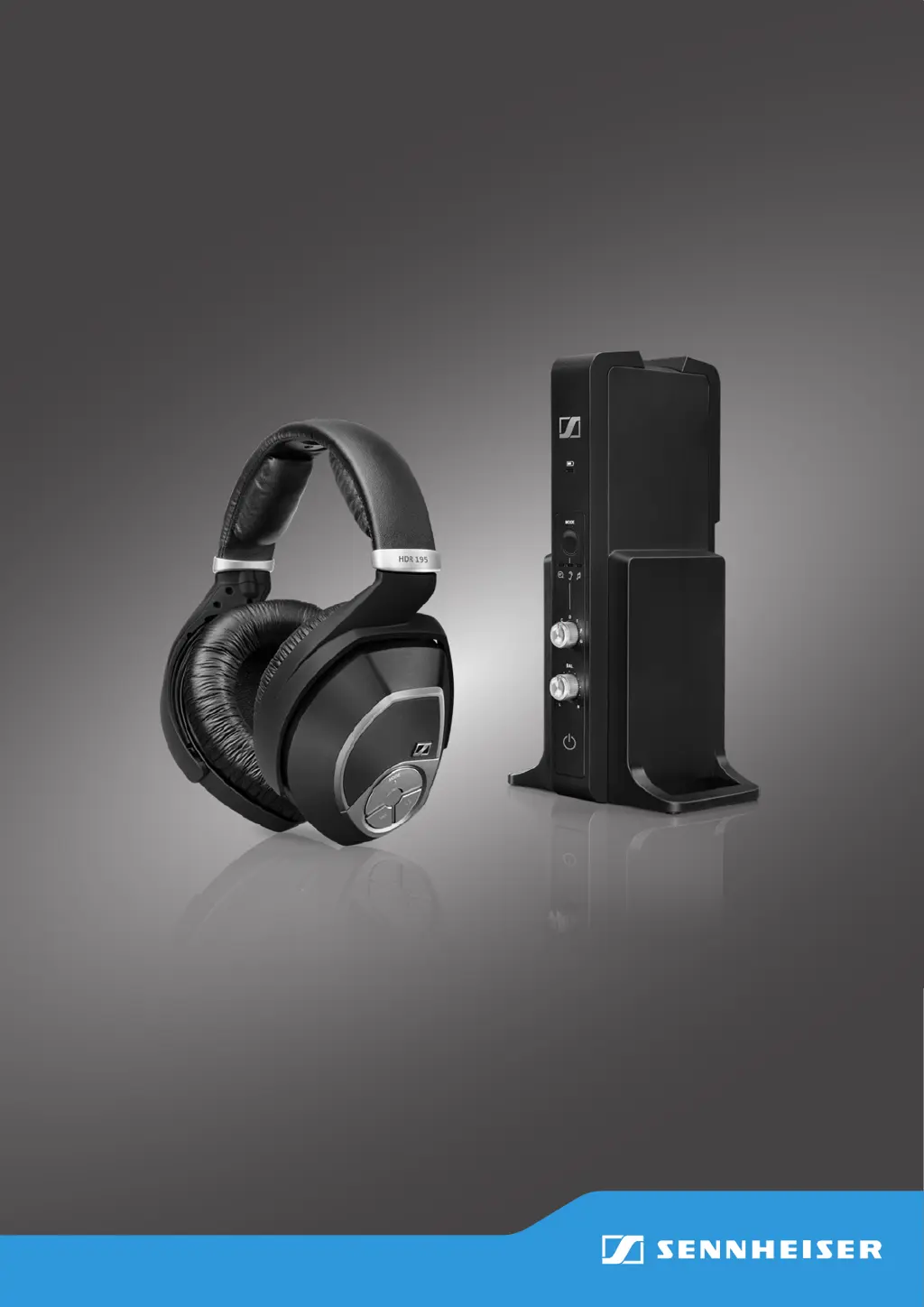
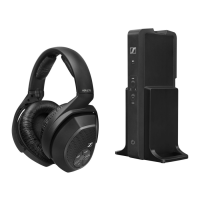
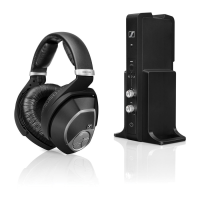
Digital Wireless Headphone System
RS 195
Instruction Manual

Questions and Answers

  • J
    John NormanJul 26, 2025
    How to fix no sound on Sennheiser Headphone?
    • J
      Jennifer WongJul 27, 2025
      If your Sennheiser Headphones have no sound, first ensure they are switched on. Check the power supply connection and deactivate any muting functions. Verify that the audio plug is properly connected and the audio source is on. Increase the volume on the audio source or deactivate its muting function. If using an audio cable, replace it to check if the issue is there. If the headphones aren't paired, pair them with the transmitter again. Try selecting a different audio input. For digital audio connections, set your device's audio output to 'PCM' with a sampling rate of max. 96 kHz.
  • S
    sydney77Aug 3, 2025
    What to do if Sennheiser Headphone has sound dropouts?
    • T
      Thomas WoodAug 4, 2025
      If you experience sound dropouts or no sound with your Sennheiser Headphones, it might be due to distance. Reduce the distance between the headphones and the transmitter. Obstacles can also interfere with the signal, so remove any obstructions between the transmitter and headphones. Other devices like WLAN routers, Bluetooth devices, or microwaves can cause interference. Try changing the position of the transmitter or the headphones. Keep the transmitter at least 50 cm/20" away from other wireless devices.
  • L
    Lisa BrooksAug 10, 2025
    What to do if Sennheiser RS195 digital audio connection uses incompatible data transmission settings?
    • J
      James HerreraAug 10, 2025
      If your Sennheiser Headphones have no sound, set the digital audio output of your device/audio source to 'PCM', with a sampling rate of max. 96 kHz. Consult your audio source's instruction manual for guidance.
  • M
    moorewilliamAug 18, 2025
    How far should Sennheiser RS195 transmitter be from other wireless devices?
    • M
      mccarthybrittanyAug 18, 2025
      Ensure that the transmitter is separated from other wireless devices by at least 50 cm/20".

Summary

Important Safety Information

Health and Accident Prevention

Guidelines to protect user hearing from high volume levels and prevent accidents.

Product Damage Prevention

Instructions to prevent product damage, corrosion, or deformation from environmental factors.

RS 195 System Features

Putting the RS 195 into Operation

Setting up the Transmitter

Guidance on choosing a location and positioning the transmitter for optimal performance.

Connecting to an Audio Source

Connection Option A: Optical (Digital)

Connection Option B: Analog (3.5 mm;6.3 mm Jack)

Connection Option C: Analog (RCA)

Connecting the Transmitter to AC Power

Battery Installation and Replacement

Charging the Rechargeable Batteries

Powering On and Pairing the RS 195 System

Audio Control: Input and Volume

Audio Balance Adjustment

Personal Hearing Mode Activation

Personal Hearing: Selecting Hearing Profiles

Personal Hearing: Sound Optimization

Pairing Headphones to Transmitter

Switching the Wireless Headphones Off

Troubleshooting: Sound Problems

Troubleshooting: Other Problems

Troubleshooting: Transmission and Pairing

Sennheiser RS195 Specifications

General IconGeneral
Frequency Response17 - 22, 000 Hz
Sound Pressure Level (SPL)117 dB at 1kHz, 3% THD
Transducer PrincipleDynamic, closed
ConnectionWireless
Battery LifeUp to 18 hours
THD, Total Harmonic Distortion<0.5% at 1 kHz, 100 dB SPL
Charging TimeApprox. 3 hours
Transmission PrincipleDigital wireless
RangeUp to 100 m
Power SupplyRechargeable battery
Audio Inputs3.5 mm jack
Weight (without cable)340 g
Connector3.5 mm jack

Related product manuals