EasyManua.ls Logo

Sennheiser RS185 - User Manual

Sennheiser RS185
37 pages
Print Icon
To Next Page IconTo Next Page
Loading...
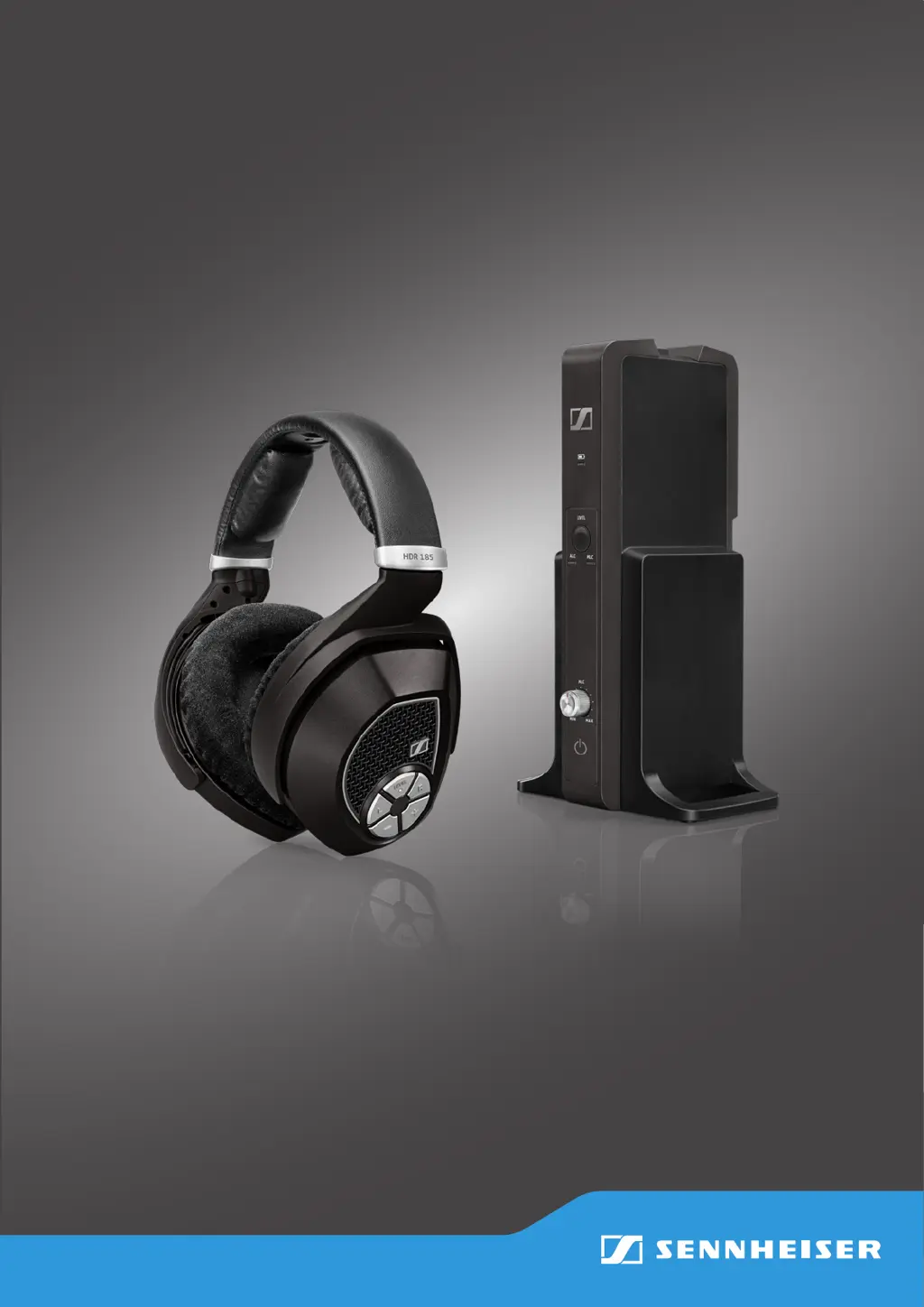
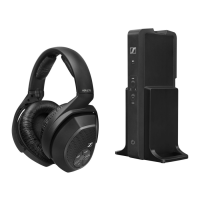
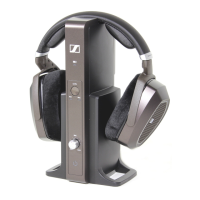
RS 185
Digital Wireless Headphone System
Instruction Manual

Questions and Answers

  • M
    Michael GlassJul 26, 2025
    How to fix no sound on Sennheiser RS185?
    • M
      mmartinJul 26, 2025
      If your Sennheiser Headphones have no sound, first ensure they are switched on. Check the power supply connection and deactivate any muting functions. Verify that the audio plug is properly connected and the audio source is on. Increase the volume on the audio source or deactivate its muting function. If using an audio cable, replace it to check if the issue is there. If the headphones aren't paired, pair them with the transmitter again. Try selecting a different audio input. For digital audio connections, set your device's audio output to 'PCM' with a sampling rate of max. 96 kHz.
  • L
    Lisa RiveraAug 2, 2025
    What to do if Sennheiser Headphone has sound dropouts?
    • M
      Megan WongAug 2, 2025
      If you experience sound dropouts or no sound with your Sennheiser Headphones, it might be due to distance. Reduce the distance between the headphones and the transmitter. Obstacles can also interfere with the signal, so remove any obstructions between the transmitter and headphones. Other devices like WLAN routers, Bluetooth devices, or microwaves can cause interference. Try changing the position of the transmitter or the headphones. Keep the transmitter at least 50 cm/20" away from other wireless devices.
  • A
    alejandrobrownAug 7, 2025
    What to do if Sennheiser RS185 volume of the analog audio source is either set to the minimum or is on mute?
    • M
      Michael BrownAug 7, 2025
      If your Sennheiser Headphones have no sound, increase the volume on the audio source to at least a medium level or deactivate the muting function from the audio source.
  • J
    John CardenasAug 13, 2025
    What to do if Sennheiser RS185 digital audio connection uses incompatible data transmission settings?
    • I
      Ian Meyer MDAug 13, 2025
      If your Sennheiser Headphones have no sound, set the digital audio output of your device/audio source to 'PCM', with a sampling rate of max. 96 kHz. Consult your audio source's instruction manual for guidance.
  • M
    Michael SmithAug 20, 2025
    How far should Sennheiser RS185 transmitter be from other wireless devices?
    • J
      jacobsonkatieAug 20, 2025
      Ensure that the transmitter is separated from other wireless devices by at least 50 cm/20".

Summary

Important Safety Information

Health and Accident Prevention

Warns about hearing damage from high volume, and interference with pacemakers.

Product and Environmental Protection

Advises on protecting the product from moisture, temperature, and furniture damage.

Intended Use and Liability

Defines the product's intended use for home audio and limits liability.

Battery Safety Instructions

RS 185 System Introduction

System Features

Lists key features of the RS 185 wireless headphone system.

Package Contents

Product Overview: Headphones

HDR 185 Headphones Components

Identifies parts and controls of the HDR 185 headphones.

Product Overview: Transmitter

TR 185 Transmitter Components

Identifies parts and controls of the TR 185 transmitter.

Product Overview: Headphone LEDs

Headphone LED Status Meanings

Explains the different LED indicators on the headphones.

Product Overview: Transmitter LEDs

Transmitter Charge and ALC LEDs

Details the meaning of charge status and ALC LEDs on the transmitter.

Product Overview: Transmitter LEDs (Cont.)

Transmitter MLC and TR Status LEDs

Explains MLC, ALC/MLC interaction, and TR status LEDs on the transmitter.

Getting Started: Initial Setup

Transmitter Placement and Setup

Guidance on choosing a suitable location for the transmitter to avoid interference.

Connecting to Audio Sources

Connection Option A: Optical Digital

Steps to connect the transmitter using the optical digital cable.

Connection Option B: RCA Analog

Steps to connect the transmitter using RCA cables for analog input.

Connection Option C: Analog Jack Input

Steps to connect the transmitter via a 3.5mm or 6.3mm jack socket.

Connecting the Transmitter to Power

Replacing Headphone Batteries

Charging Headphone Batteries

Adjusting the Headband

Using Your RS 185 System

Switching the System On

Procedure to power on the transmitter and headphones.

Audio Input Selection and Volume Control

How to select audio inputs and adjust volume.

Muting and Unmuting Audio

How to mute and unmute the headphones.

Adjusting Audio Balance

How to adjust the audio balance between left and right ears.

Analog Input Level Control (ALC;MLC)

Explanation of Automatic Level Control (ALC) and Manual Level Control (MLC).

Manual Level Control (MLC) Mode Operation

Detailed steps for using the MLC mode to adjust input level.

Pairing Headphones to Transmitter

Procedure for pairing headphones to the transmitter.

Switching the System Off

Methods for turning off the headphones and transmitter.

Maintenance and Care

General Cleaning Instructions

Guidance on cleaning the product safely.

Replacing Ear Pads

Step-by-step guide for replacing ear pads.

Troubleshooting

Resolving Sound Problems

Common sound issues, causes, and solutions.

Resolving Other Operational Issues

Other problems like power, connectivity, and LED behavior.

Signal Range and Pairing Reset

Information on transmission range and how to clear pairing settings.

Technical Specifications

Manufacturer Declarations

Product Warranty Information

Details of the product warranty and claim process.

Regulatory Compliance Statements

Lists WEEE, Battery, and CE directives compliance.

FCC and Industry Canada Statements

FCC/Industry Canada compliance, RF exposure, and trademarks.

Sennheiser RS185 Specifications

General IconGeneral
Wearing StyleOver-ear
Transducer PrincipleDynamic
Frequency Response17 - 22, 000 Hz
THD< 0.5%
Sound Pressure Level (SPL)106 dB
Ear CouplingCircumaural
Power SupplyRechargeable battery
Operating TimeUp to 18 hours
Carrier Frequencies2.4 GHz
Charging TimeApprox. 3 hours
TypeWireless
RangeUp to 100 meters

Related product manuals