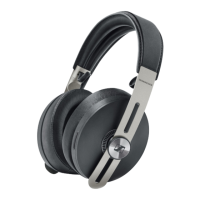
26 | HD 4.50BTNC
Making calls on the headphones
Voice control function
The voice control function is only supported by Bluetooth smartphones with
HFP profile.
You can use this function when the headphones are not actively playing music
or are used for making calls.
1. Press the multifunction button and hold for 2 seconds.
Press Function Voice prompt
2s
Starts voice control “voice dialing“
2. Say your voice command, such as “Call Jane“.
The Bluetooth smartphone calls Jane.











 To Next Page