37
Using the headsets
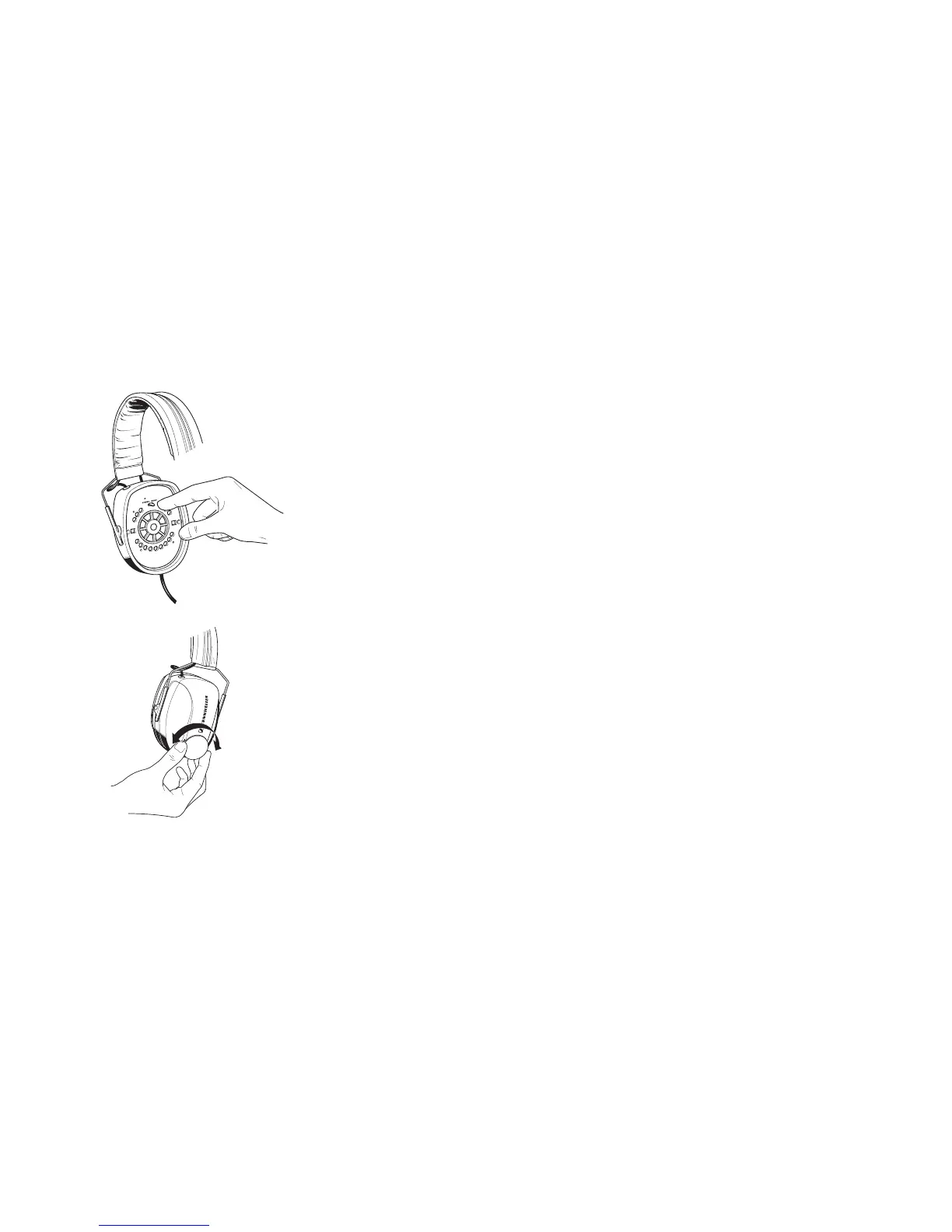
Mono/Stereo selection (HME 100 only)
In general, you‘ll receive a mono sound source so that the Mono/Stereo switch can remain
set to ‘Mono’. When using a stereo intercom system, set the headset to stereo operation.
Remove the ear cushion (쏅 ‘Replacing the ear cushions’) from the earcup with the micro-
phone boom attached and set the Mono/Stereo switch to ‘Stereo’.
Adjusting the volume
Exposure to loud sounds can cause hearing damage!
Set the volume control to a medium value. Make sure that you can hear critical sounds
such as warning alarms.



 To Next Page